Solve a 3x3 Rubik's cube by scanning it with the camera or entering colors manually. Verify color detection and view a 3D visualization of the solution steps. Works offline without requiring an account.
by Andrei Ciobanu★ 4.65,659 ratingsGamesFreeData updated 2026-09-22
Play a wood-themed puzzle game by dragging and dropping blocks into a 9x9 grid. Eliminate rows or columns to score points. The game ends when no space remains for the given blocks.
Control falling cubes to prevent them from exceeding screen boundaries. Earn coins to unlock new skins. Adjust movement with touch gestures. Track progress through multiple levels. Compete against time limits to extend gameplay.
Play a 3D game to challenge logic and spatial skills. Tap to move cubes and solve levels. Navigate through mind-bending puzzles without an internet connection. Compete to complete levels and improve problem-solving abilities.
Play by rotating a 3D to three identical tiles. Clear the field by completing triplet matches of colorful objects, animals, and toys. Earn rewards by solving puzzles and completing levels. Track progress and unlock new challenges.
Align gemstones to match colors and clear levels by grouping more than three. Play without internet access. Features include multiple level types and no move limits. Ads may appear during gameplay. Data is stored locally and deleted upon removal.
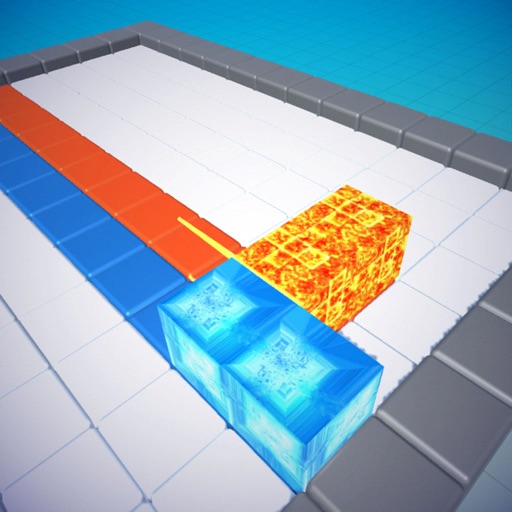
Develop telekinetic strength by pushing a cube through geometric levels. Complete 48 main levels and 15 bonus challenges. Explore 3D environments with new gameplay mechanics. Listen to 23 unique musical tracks. Solve puzzles and improve reflexes.
Play a 3D version of 2048 with physics-based blocks. Slide and aim a die to shoot matching colored blocks. Combine blocks to reach 2048 and keep scoring. Track personal high scores and compete with others.
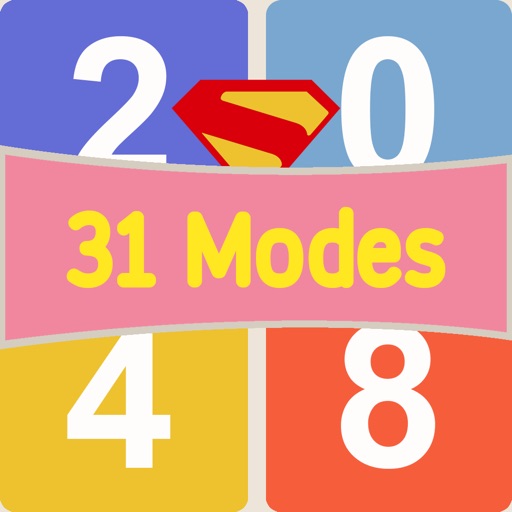
The app offers 31 different game modes, including classic, super, and variations. Users can select game board sizes from 3x3 to 8x8 and utilize features like undo, auto-move, and tile removal.
Manage game setup by assigning player names and action cube colors, ordering players by seating position, and selecting an Automa player with difficulty.
Monitor system performance and analyze data. View daily, monthly, and yearly energy production and usage reports. Adjust operation modes and configure settings. Submit service requests and troubleshoot issues remotely.