Edit photos adjustable temperature, tint, and exposure settings. Use texture blending tools and apply effects. Add stickers opacity and shadow control, and include text 3D effects and multiple fonts. Crop, rotate, and straighten images.
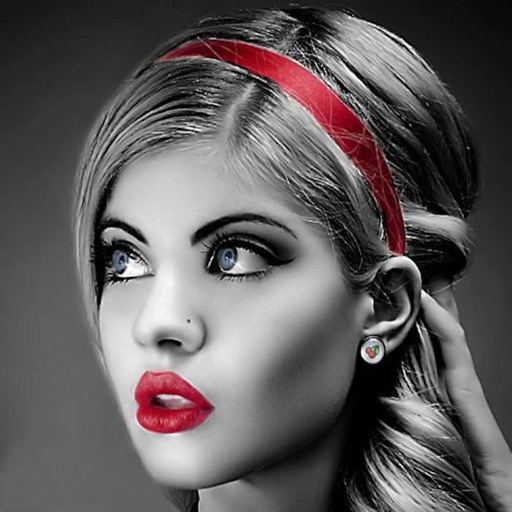
Edit photos with selective effects using gesture controls. Zoom and pan to adjust splash areas. Convert parts of the image to grayscale while keeping selected regions in full . Export edited photos directly.
Edit photos with effect and features. backgrounds and apply black-and-white conversion. Select areas for contrast. Zoom with two-finger pinching. Adjust brush size, opacity, and offset. Export edited images.
Enhance photos by uploading images or capturing photos of damaged ones. Use AI to improve clarity, reduce blur, and restore details. Export enhanced photos in HD format.
Photos with AI-powered enhancements, lighting fixes, and upscaling. Add filters, stickers, and text. Crop and adjust images. Export in various formats and share directly.
Capture photos with analog effects including black and white negatives, vintage negatives, and Lomo . Apply 95 filters for grain, light leaks, and blur. Adjust color, contrast, and brightness for realistic tones. Export and share edited photos.
Edit photos with AI-powered enhancement, colorization, and object removal. Adjust lighting, sharpen details, and correct imions. Apply filters and restore old photos. Export edited images in various formats.
Edit photos with auto tuning, background change, and blur features. Retouch faces with skin and feature enhancements. Adjust colors, brightness, and contrast. Add text and stickers. Export in various formats and share directly.
And enhance old or low-quality photos using AI restoration. Fix blur, improve sharpness, and recover lost details with one tap. Colorize black-and-white photos with realistic color application. Upscale images for better clarity.
Edit photos with filters, stickers, and makeup tools. Smooth skin by swiping over wrinkles and blemishes. Reshape face and body with 21 micro-adjustments. Beautify photos with one tap. Apply magic sky filters and other style options.
Color images with 2D drawings and various tools including a bucket for filling areas. Explore daily updated collections of images. Share completed drawings via social media or email.
Create photo collages and composite images using multiple layers. Remove unwanted areas with the background eraser tool. Adjust color tones and export edited photos in various formats.
Create effects to enhance photos. Apply 40 tints and adjust images directly. Add photos from the album or take new ones. Save edited photos within the . Share images on Facebook and Twitter.
Apply color filters, adjust hues, and invert colors for editing. Add comic book effects, create monochrome tones, and map colors using custom gradients. Export edited images directly.
Record video with real-time and 8mm effects. Adjust exposure, focus, and color grading manually. Capture photos with vintage filters. Export videos in high quality and share directly. Sync with editing software for advanced post-processing.