Pages allow users to select from 300+ pre-designed images and customize them with stickers. Users can create original drawings and enhance their artwork with various tools. Completed artwork can be shared with others.
Create custom cards with seasonal templates. Choose from 100+ designs. Use 10 paint brushes and 50 texture brushes. Select colors with an easy picker. Zoom in/out on small blocks. Record coloring sessions as animations.
Draw and color characters directly on the screen or with a pencil on paper. Access a public gallery to share art. Follow step-by-step drawing guides. Color pages with solid or gradient colors. Color pixel art by numbers.
Create art by placing pixels on a canvas. Choose from various images like unicorns, dinosaurs, and food. Draw following numbered guides to fill sections. Receive feedback with a satisfying click sound when diamonds are correctly placed.
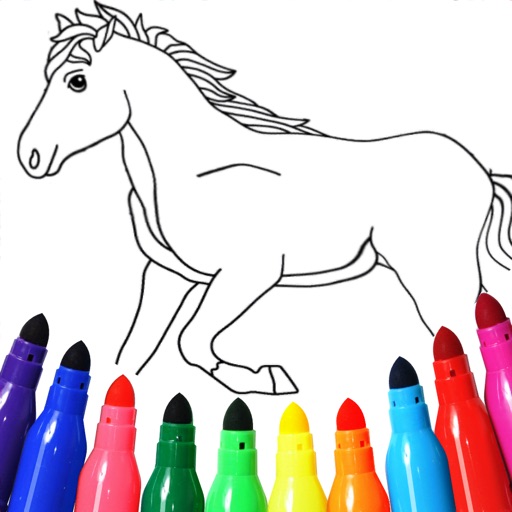
Pages featuring cute animals, babies, and kids. Choose colors and brush tools to fill in designs. Save and share completed artwork. Adjust settings for brush size and opacity. Import custom images for personalization.
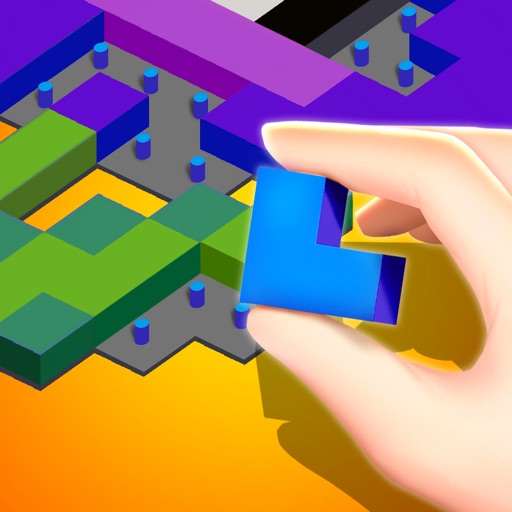
A Brick! lets users create and color brick designs. Choose colors and patterns. Save and share completed projects. Relax and reduce stress through creative activities.
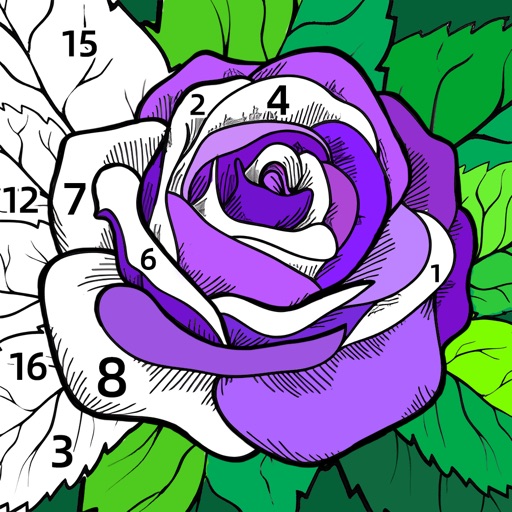
Color by number game allows users to select and fill numbered sections with colors. Complete puzzles by matching numbers to colors. Choose from various themed images. Save progress and share completed artwork.
Create and two-dimensional art by selecting colors and filling numbered areas. Save progress automatically and share completed artwork with friends. Draw freely to relax and express creativity.
Coloring book allows users to lowrider car designs. Features include glitter effects, cosmic themes, and customizable artwork. Users can save and share their creations.
Teach children basic arithmetic with addition and subtraction exercises. pages featuring characters and symbols. Complete colorings to reveal festive images. Track progress through interactive activities.
Choose coloring pages from a gallery or convert photos into pixel art. pixel-art images by numbers. Create mosaic puzzles piece by piece. Earn achievements for completed pictures. Discover new artwork regularly.
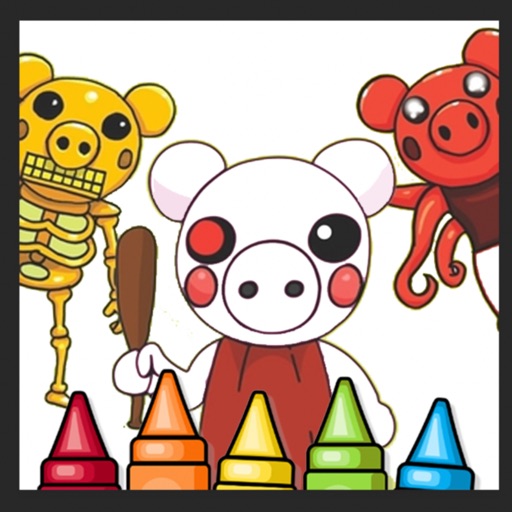
Game allows users to fill in colors by touching the screen. Features include different characters with unique color schemes. Users can showcase artistic skills and share completed artwork with friends.
Guide a rolling ball through 3D environments by tilting to paint and blank spaces. Use one-touch rotation for gameplay. Solve puzzles with realistic physics and artistic expression. Transform monochrome levels into colored masterpieces.