Read and scan QR codes and barcodes without user tracking or data analysis. Use LED light for low-light reading. Share scanned data via Share menu. Register contacts and calendar events directly. No ads, notifications, or unnecessary features.
Scan documents, receipts, and tickets with a precision scanner. Read and manage QR codes and barcodes. Convert scanned images and documents into editable text using OCR. Save and organize scanned files. Share scanned content directly.
The app allows users to digitize manual forms for enterprise and industrial field processes. It enables data capture, photo and sketch additions, signature collection, and barcode scanning on mobile devices, generating PDF reports.
Convert images to PDF by selecting files and adjusting settings. Edit pages, add text, and save as PDF. Share documents via email or cloud storage. Supports JPEG, PNG, and other common image formats.
Print documents, photos, labels, and posters directly from your device. Connect wirelessly without drivers. Manage print settings and select paper sizes. Share files via cloud or email. Preview and adjust layouts before printing.
QR code scanner and generator with customizable colors, backgrounds, and logos. Scan text, Chinese, English, and barcodes instantly. Generate codes for websites, business cards, and WiFi. Store scanned results for later access.
Stones to determine if they are diamonds, moissanite, or lab-grown. Get visual cues for cut, color, and clarity. Receive a PDF report for sharing. Identify potential authenticity issues with an overview.
Manage aircraft maintenance and inventory with real-time dashboards displaying key operational data. Track due lists and maintenance schedules. Access inventory records and update statuses directly from an iPad.
Generate realistic text content for testing by creating random words, sentences, paragraphs, names, and email addresses. Insert generated data into software to simulate real-world usage and improve testing accuracy.
Scan QR codes and barcodes instantly by aiming the camera. Create custom QR codes with preset templates and color options. Export high-definition PNGs to the photo album. Share scan results and creations with others.
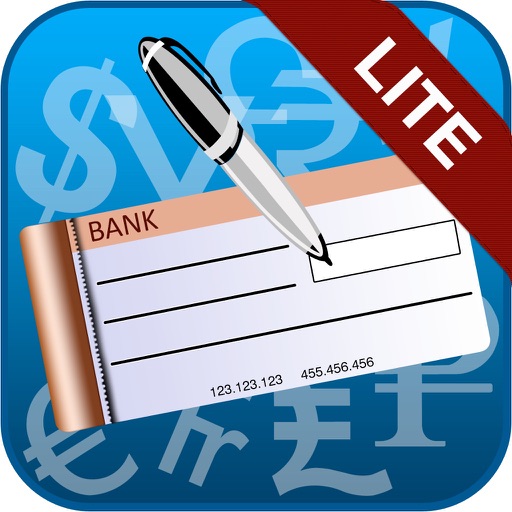
The app allows users to print cheques from an iPad to any AirPrint enabled printer. It offers features such as setting up unlimited cheque templates, automatically spelling out cheque amounts, and detecting cheque sizes from images.
Scan ID cards to extract name, gender, age, address, and validity date. age or status instantly. Manage visitor records and store scanned data securely.
PDFs by adding text, signatures, and annotations. Rearrange pages, merge files, and convert formats. Organize documents with folder management and search. Export in various formats and share directly.
Allows users to automatically or manually record incoming and outgoing calls. Recordings can be organized, labeled, and shared via email or messaging. Secure access is provided through Face ID, Touch ID, or a passcode.