

Apps Like Doc Scanner: Scan PDF for iPhone and iPad
Scan and translate documents instantly
Scan documents, photos, and cards to create clear images or PDFs. Translate text into multiple languages. Edit scans, convert between file formats like PDF and Word. Save, email, or share scanned files. Extract text using OCR for easy data retrieval.
Doc Scanner: Scan PDF screenshots
Ranked alternatives
Showing 921–940 of 1,000 ranked alternatives.


ScannerFiles - PDF Scanner App
淼 林
Scan documents, receipts, and notes instantly
Scan documents, receipts, and notes using the camera. Auto-detect document edges for clean scans. Enhance image quality with Original, Enhance, or Grayscale modes. Save and share scans directly. Organize files into folders and view thumbnails.


PDF Converter Pro
Shenzhen Wondershare Software Co., Ltd
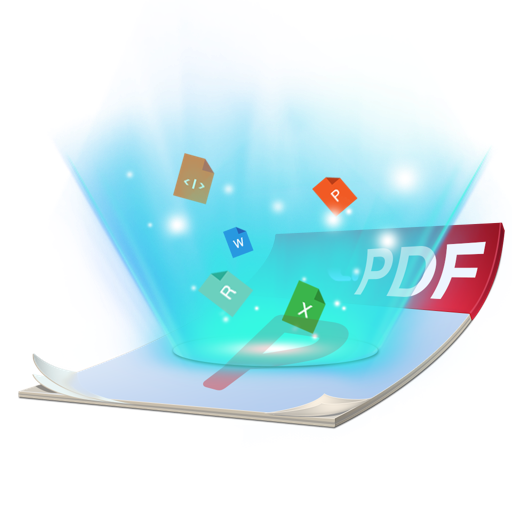
Convert PDF to editable document formats.
The app converts PDF files to various formats including Word, Excel, and iWork Pages. It preserves original formatting, text, and images during conversion.
Quick Scanner Pro PDF Document
MULTITECH SYSTEMS BILGI ISLEM SANAYI VE TICARET LIMITED SIRKETI
Scan, save, and share documents
Scan documents and save them as PDF, JPG, or TXT files. Share scans directly from the . Use e-signature to add a signature to documents. Employ OCR to extract text from scanned images. Store all files locally without an internet connection.

Fast Word to PDF
Antonio Gonzalez de la aleja german
Convert DOC files to PDF instantly
Convert documents to PDF by selecting the file and initiating the conversion process. Supports .doc and .docx formats while maintaining original layout. Features an intuitive interface for straightforward use.


How we rank alternatives
Apps are ranked by functional similarity, category fit, rating confidence, and popularity.