Create live graphics and animations by connecting nodes in any direction. Use Pixel Nodes to design visuals and filters, animate with Float nodes, build interfaces with View Nodes, and execute scripts with Data Nodes.
Select a mandala template for . Choose colors from a palette and tap on sections to fill them. Use zoom and pan to adjust view. Share, save, or create copies of completed designs.
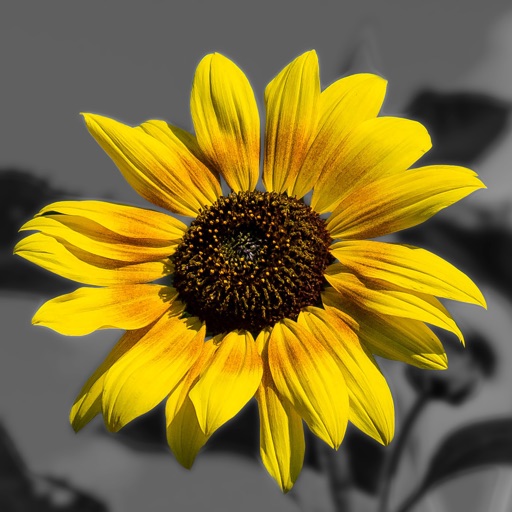
Edit photos by converting them to and and selectively adding with brush tools. Choose from various brush sizes and styles. Apply filters for creative effects. Undo changes with a single tap.
Redesign exteriors and gardens with AI-generated visualizations. Upload facade or garden photos to apply color changes, window treatments, and material variations. Choose from modern, classic, country, or minimalist styles.
Explore theory through interactive games and exercises. Select and mix colors using HSV system. Test knowledge with puzzles and tile games. Create and save custom palettes. Adjust hue, saturation, and value sliders for precise control.