Manage color schemes and match colors professionally
Users can create and manage color schemes, access professional color matching libraries, and apply color adjustments to photos. The allows exporting edited images and sharing them directly.
Provides even lighting for photography subjects and transparencies. Select predefined colors or create custom ones with RGB sliders. Capture images to identify RGB values. Adjust opacity and brightness. Enable full screen mode by tapping the screen.
The app allows users to fit full-size photos into a square format for posting without cropping. Users can move, rotate, scale, or flip photos and change backgrounds using colors, gradients, or patterns.
Design custom logos with pre-made templates. Add fonts, colors, textures, and shadows. Include gradient effects and text fields. Export logos for Discord, Twitch, YouTube, and Instagram.
Add to photos with customizable fonts and styles. Choose from 250+ fonts and 200+ templates. Include layers for , images, shapes, and stickers. Access a variety of stickers, icons, and quotes. Apply single color or gradient color palettes.
Create and customize rooms in 2D floor plans. Add and adjust room properties. Drag and drop furniture, doors, and windows from organized categories. Edit objects and arrange layouts. Save and export designs. Limitations on object count apply.
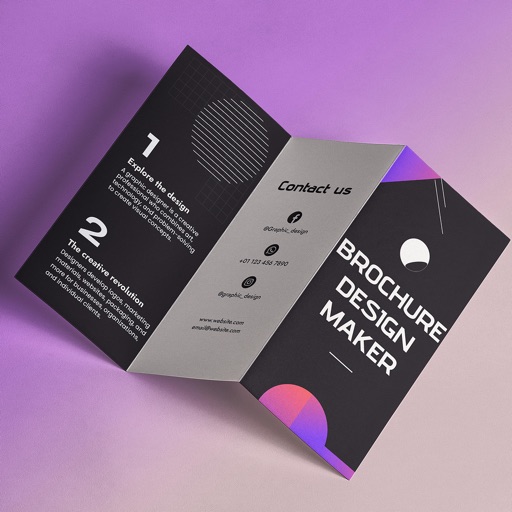
Create brochures by selecting from 2500+ templates across industries like business, travel, and education. Edit layouts, add text, images, and graphics. Export as PDF or print directly. Save and share designs.
Create abstract art by drawing shapes that auto-connect and fill with random procedural patterns. Use Auto Draw to generate unique compositions in real time. Watch animations transform your artwork into kaleidoscopic designs.
Create pictures with customizable borders, backgrounds, and filters. Apply preset designs to enhance images. Export and share edited profiles directly to social networks.
Apply bokeh, disc, Gaussian, morphology gradient, motion, or zoom blur effects to images. Adjust colors and enhance or remove them for improved visuals. Export edited images in various formats.
Convert videos, live photos, or images to GIFs. Create memes using templates. Edit GIFs with size, resolution, and playback speed adjustments. Remove smart backgrounds for stickers.
Create captions quickly with like metal chrome, blur, and glitch. Use latest hip fonts for a personal touch. Edit images with a full-screen professional editor. Add transparent backgrounds and export directly.