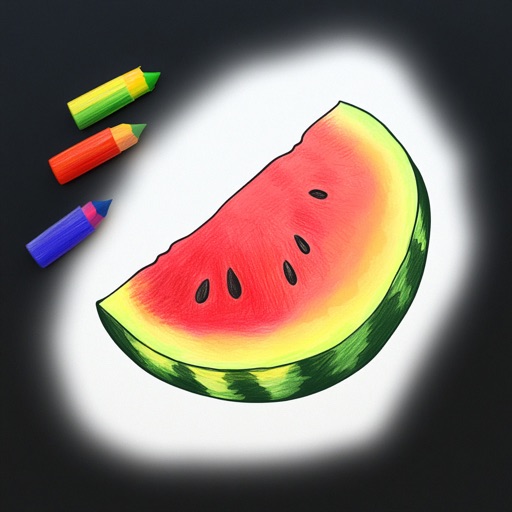
Draw and paint using glowing colors. Use photos as backgrounds or create from scratch. Save artwork to camera roll. Share via email, message, Facebook, or Twitter. Access multiple undo levels. Learn color theory through interactive features.
Allows users to import photos and access over 20 ultra-realistic brushes. Create detailed and paintings with adjustable brush pressure and flow. Export artwork in multiple formats and share directly.
Create art with 10 brushes. Adjust brush size and color randomly. Import photos to doodle on. Add drawings to family images for customization. Save and share completed artwork.
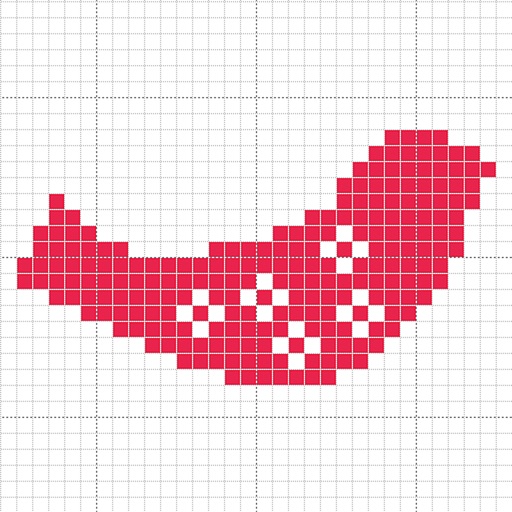
Draw art with grid sizes from 8x8 to 256x256. Use a limited color palette of up to 32 colors. Import photos to pixelate them. Create animations by copying frames. Zoom in or out to adjust art details.
On with precise tools. Add text, shapes, and stickers. Insert layers and blend images. Create collages with frames and stamps. Design custom stickers and share directly via iMessage or the .
Customize phone backgrounds with animated 3D and ringtones. Choose from categories like , ASMR, sport, and nature. Set charging for immersive visual experiences. Adjust animations and sync with device settings.
Draw and with customizable brushes and layers. Edit images with adjustment tools and filters. Import and export files in various formats. Use gesture controls for quick navigation and editing.
Create custom charts for crafts like cross stitch, bead weaving, knitting, and pixel art. Draw dotted images and design patterns with an intuitive touch interface. Export charts for use in projects.
Games allow users to select color by number puzzles and images by tapping colors. Features include on pages, recoloring existing artwork, and saving progress. Users can access pixel art books and sketch freely without internet connection.
Edit photos with AI-powered filters and neural network enhancements. Apply artistic styles to create paintings. Export in 64 megapixel lossless format. Print artwork on canvas, T-shirts, or comic books.
Drawing techniques through step-by-step lessons. Create and customize sketches with various tools. Access coloring features and save artwork. Share drawings directly from the . Track progress and revisit previous lessons.
Create digital art with drawing, coloring, and animation tools. Use versatile templates for Anime, Animals, Flowers, Landscapes, Mandalas, and more. Access dual drawing modes for layered artwork.
Create and edit drawings using augmented reality. in real-time with touch or stylus. Adjust colors, brush sizes, and opacity. Share drawings directly or export as images.
Create expressive sketches, rich paintings, and detailed illustrations. Use hundreds of handmade brushes and an advanced layer system. Animate with the Valkyrie graphics engine. Edit and export artwork in multiple formats.