The app enables wireless projection of PDF, PowerPoint, and image files from an iPad, iPhone, or iPod touch to Panasonic wireless compatible projectors and displays via Wi-Fi. Users can also project websites using the built-in web browser.
Processes with clipboard integration, editing, and customizable workflows. Users can copy, paste, and organize across devices. Supports universal purchase for cross-device access. Includes templates and formatting tools for efficient management.
Dim background content to reduce distractions while watching videos. Load web pages quickly using Apple WebKit. Tap a lamp icon to activate dark mode. Supports Facebook, YouTube, Twitter, Yahoo, and Google.
Set default browser and manage web page dark mode. Block ads and choose from multiple search engines. Run scripts with Tampermonkey or Violentmonkey. Customize homepage with wallpaper. Launch quickly without ads or notifications.
Create custom bordered wallpapers from your photos
Create custom bordered wallpapers by importing photos from your library or selecting included images. Adjust border color, style, and opacity. Export wallpapers to your photo library and apply them to home or lock screens.
Allows browsing without tracking by using a non-tracking search engine. It hides browsing history and bookmarks by default. Users can access bookmarks via Touch ID or Face ID with an in- purchase. Launches from a custom search engine interface.
Create and customize color palettes using default options or uploaded files. Share palettes with others. Explore color schemes with a color wheel, including up to four . Find new color combinations for creative projects.
Adjusts brightness and contrast for better visibility. It creates themes by inverting colors and applying sepia tones. Users can choose from preset themes or customize colors. Integrates with system mode for consistent appearance.
Automatically stitches consecutive screenshots from the . Users can export high-definition stitched screenshots with one click. The recognizes and combines screenshots quickly for seamless long-screen captures.
Automate repetitive clicks and multi-clicks on websites, social media, dating sites, or games. Create and save custom sequences with adjustable frequency and duration. No registration required.
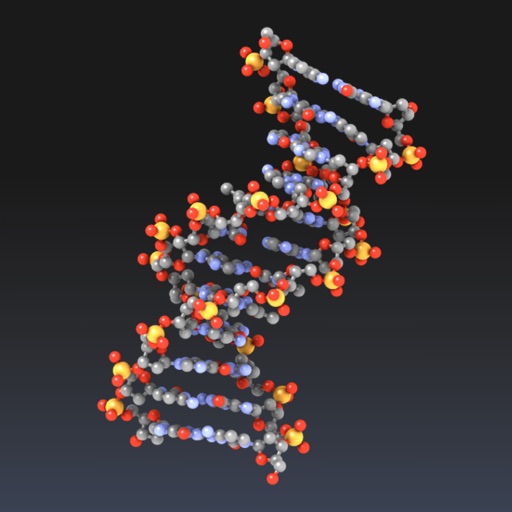
Explore molecular structures in 3D with intuitive gestures and customizable visualizations.
The app allows users to view and manipulate 3D molecular structures. It supports multiple visualization modes and file sharing options for molecular data.
Create a customizable to sell products, book services, and request quotes. Add opening hours, social media links, and business information. Integrate with Billdu's Appointments and Ecommerce apps for enhanced functionality.
Automate repetitive tasks by scheduling taps, swipes, and refreshes. Scroll through web content at adjustable speeds. Split screen for multitasking. Customize settings for precise control. Perform single or multiple clicks with ease.
Allows users to open multiple web pages on a single screen. Users can browse up to 9 tabs simultaneously. They can switch between tasks like email, shopping, and web searching without switching tabs. Full screen and incognito modes are supported.