Create and manage a forgery-proof digital passport for artworks. Track provenance and document all artwork-related processes automatically. View collections in lists or detailed views. Access a virtual gallery or use VR for viewing.
by 4ARTechnologies AG★ 4.611 ratingsUtilitiesFreeData updated 2026-09-21
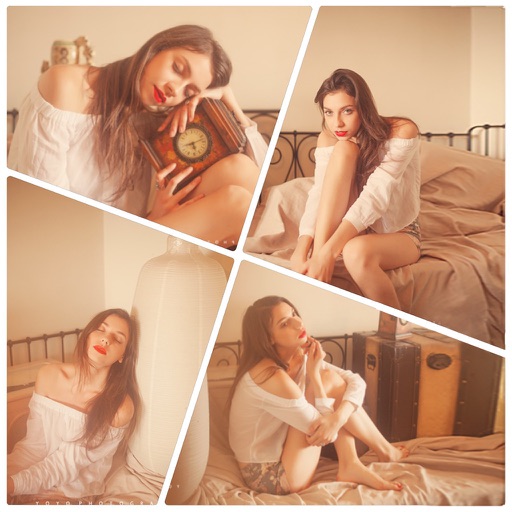
Create collages using 100+ adjustable layouts. Customize with gesture controls and regulation bars for precise adjustments. Choose from beautiful backgrounds and filters. Edit photos with cropping and ratio adjustment tools.
Select photos from gallery or photo library. Choose from numerous PIP frames. Use single image for both foreground and background or different images for each. Edit foreground and background separately. Apply photo filters.
Use camera as tracing projector to on paper. Trace lines directly with pencil. Access and painting features. Learn to people, anime, and objects. View step-by-step guidance for artistic techniques.
Create art frames by combining images and adjusting positions with zoom, rotate, and move tools. Add 100 stickers and custom text. Choose from four output resolutions. Share images via Facebook, Twitter, Instagram, or email.
Learn vocabulary through original artwork and game-style challenges. View illustrated flashcards with adaptive spaced repetition. Access on-demand AI tutoring for personalized guidance.
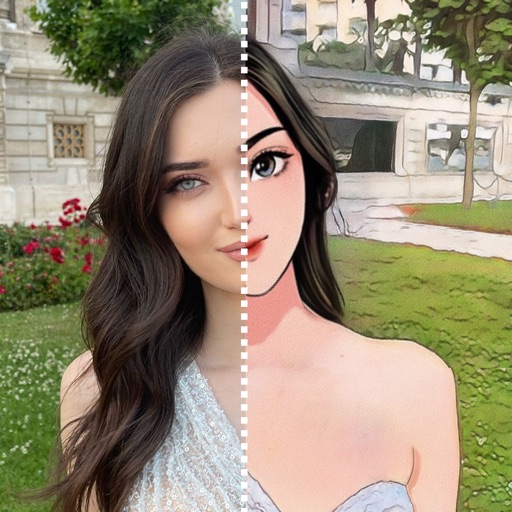
Allows users to swap faces in photos, generate artistic versions of images, and create headshots. Users can transform photos into different roles, apply artistic filters, and edit facial features with AI tools.
View -themed wallpapers featuring Madonna icons, biblical scenes, and holy figures. Set custom backgrounds, organize favorites, and download high-resolution images for devices.
Upload photos from gallery or UNSPLASH Gallery. Select frames and passepartout options. Use AR mode to visualize images on walls in different sizes and styles. Adjust placement and visual combinations before finalizing.