Record short clips and layer them to create datamosh effects. Adjust frame repetition settings for random or ordered playback. Save outputs as images or videos. Fade back to live camera input during data moshing.
by Johannes Pfahler★ 4.51,425 ratingsPhoto & VideoFreeData updated 2026-09-21
Record short lyrics, them for playback, mimic the reversed version, and compare with the original to assess accuracy. Share results or challenge others for interactive music practice.
Capture 4K videos at 30, 50, or 60 FPS or take high-quality 5K photos with a single press. Adjust exposure by dragging, flip the camera with a double tap, and record by holding.
Apply -themed to enhance photos. Select from custom-designed for special occasions. Edit images with frame options and save creations. Share edited photos with others.
The app allows users to create stop-motion and video films by importing media, recording sounds, and adding titles. Users can export animations in various qualities to share or upload.
Edit videos with precision tools to trim, split, and merge clips frame-by-frame. Resize and crop videos, including maintaining original proportions. Enhance photos and design collages within the same .
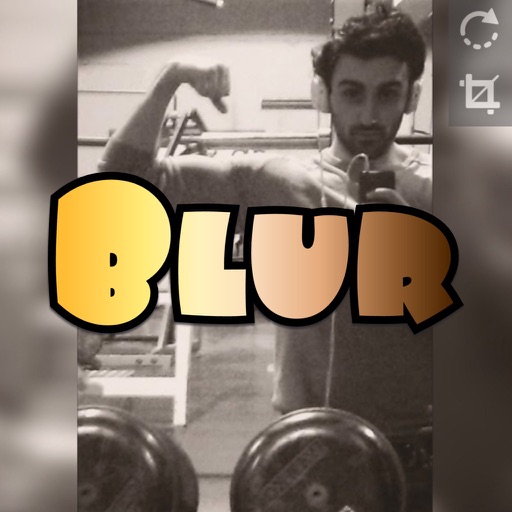
The app allows users to select a photo and create a blurred frame effect instead of cropping. Users can adjust the blur and fade effects and save the modified photo to their gallery for sharing.
Mirror device screens to TVs via Chromecast. Stream web videos, images, and audio. Share content live. Cast content from any web or local source. Control playback and adjust settings remotely.
Upload photos and videos from Camera Roll. Add custom sounds by recording or uploading. Personalize sounds with icons, photos, or GIFs. Export in high quality up to 4K. Share to Snapchat, Instagram, TikTok, or save to Camera Roll.