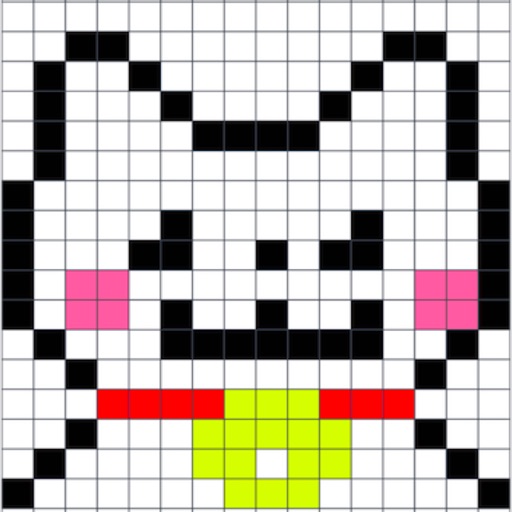
Create art and cross-stitch patterns with palette selection and gridline toggle. Use eraser, drag or tap to draw, and long press to fill. Trace images and export as files. Supports cross-platform creation.
by Harry Shamansky★ 4.1125 ratingsGraphics & DesignFreeData updated 2026-09-21
Write notes by hand with a simple interface. Tap to access color selection and storage. Use multiple fingers for smooth writing. Choose from five colors: black, red, blue, green, and pink. Adjust line thickness with a slider.
Backgrounds from photos using AI-powered erasing. Replace with empty, custom, or selected backgrounds. Edit images directly from gallery or camera. Export edited photos for sharing or further use.
Create digital art using AI by entering descriptive prompts and selecting art styles. Generate unique images based on text input. Choose from various AI-powered art styles to customize the output. Export and share the generated artwork.
Use camera to project images onto paper for tracing. Draw directly on projected content. Adjust brightness and contrast for better visibility. Save and share artwork. Access tutorials for tracing techniques. Sync drawings across devices.
Photo backgrounds using AI-powered object recognition and automatic cutting. Edit images to create transparent backgrounds. Erase objects or elements with realistic results. Save and share edited images directly.
Allow children to color pictures with 144 featured images. Choose from 9 brushes, 36 solid colors, 36 gradient colors, and 36 fill patterns. Save completed artwork to the phone's album. No user data is collected, and no ads are displayed.