Create and customize calligraphy strokes with and ink effects. Adjust pressure sensitivity for realistic writing. Save and share digital calligraphy works. Import images for overlay and composition. Export in various file formats.
by 金磊 李★ 4.121 ratingsUtilitiesFreeData updated 2026-09-21
MAVIAY YAZILIM DONANIM DANISMANLIK HIZMETLERI ELEKTRONIK OZEL EGITIM SANAYI VE TIC LTD STI
Send stickers to WhatsApp chats
Send stickers categorized into themes like Juma Messages, Ramadan Posts, and Islamic Emojis. Add stickers to WhatsApp chat list. Share stickers with friends via WhatsApp. Update sticker collection regularly. Apply stickers to messages.
Create detailed technical illustrations and artistic designs with vector editing tools. Draw, reshape, and color elements with precision. Import and export files in multiple formats. Use layers, masks, and effects for advanced design work.
Edit photos with effect and features. backgrounds and apply black-and-white conversion. Select areas for contrast. Zoom with two-finger pinching. Adjust brush size, opacity, and offset. Export edited images.
Create custom designs by selecting from various tailored for use. Input text to generate lettering. Adjust font styles and layouts. Export designs for use with artists or personal reference.
Draw freely using customizable brushes and colors on a canvas, save creations as images to the album. Paint over existing photos from the library and save results. Write notes anywhere and save as images.
Send and receive stickers in WhatsApp and iMessage. Choose from animated stickers for daily inspiration, religious holidays, and special occasions. Add stickers to messages, customize packs, and share religious content.
Create animated swirling patterns and kaleidoscope artworks. Select from various brush styles and color palettes. Adjust speed and symmetry settings. Save and share generated artwork. Relax through interactive, meditative visuals.
The app allows users to combine photos using a layer blender, 100 filters, and 100 fx elements. Users can edit foreground masks and save images in full resolution.
Create animations with drawing tools, color options, and frame management. Import images or draw directly. Export and share animations on Cineverse. View progress and refine frames for detailed editing.
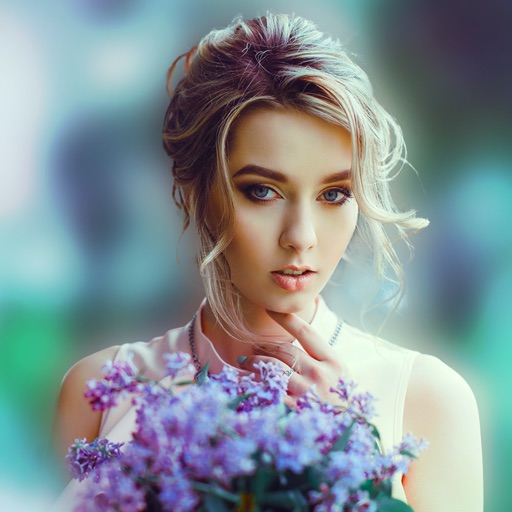
Blur image backgrounds to create effects. Select photos from gallery or capture new images. Apply multiple blurring tools to adjust blur intensity. Export edited photos to device storage.
Create digital art with a variety of Procreate tailored for different styles and techniques. Adjust brush settings for pressure sensitivity and flow. Save and organize artwork in a digital gallery. Export creations in multiple file formats.
Edit photos with splash effects, convert images to black and white, or apply custom colors. Add filters, zoom in on photos, and use a brush tool. Export and share edited images directly.
A clicker game where players count ships on a hill. Tap to brush wolves with wool, collect wools to add animals. Improve the hill's appearance by repeating actions. Supports multiple languages including Korean and English.