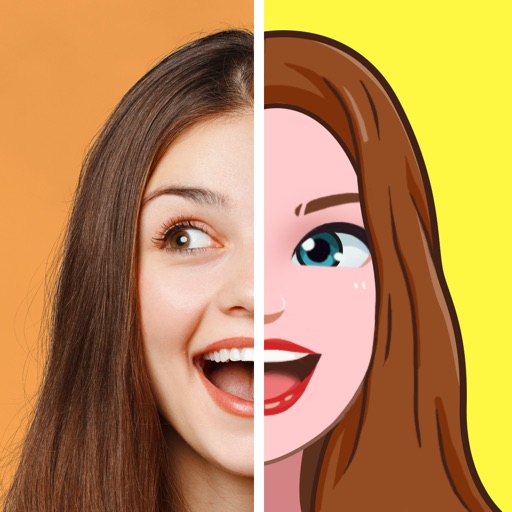
Create personalized emojis and GIFs using a customizable . Design avatars with facial features, hairstyles, and accessories. Share created emojis and GIFs through iMessage and other messaging apps. Edit and customize stickers directly within the .
Create pixel art using a grid-based drawing tool. Share artwork with others and follow pixel artists. Receive feedback and view community creations. Export art in various formats and access tutorials for improvement.
Create images of boys and men by adjusting features like eyes, mouth, hair, cheeks, clothing, and accessories. Save or share the created images. Explore various character styles including metro and beefcakes.
Upload a photo to generate an AI-generated character in chosen styles like anime, pixel art, or detailed action figures. Customize appearance and details. Export and share the created .
Create art by following numbered grids. Choose from pre-designed images or generate custom designs using AI. Adjust colors and save projects. Share artwork directly or export in various formats.
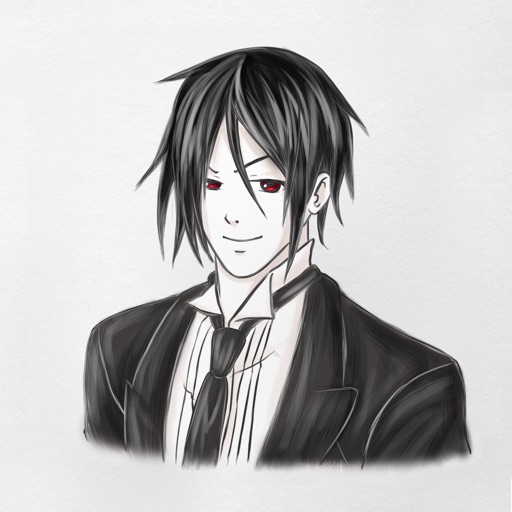
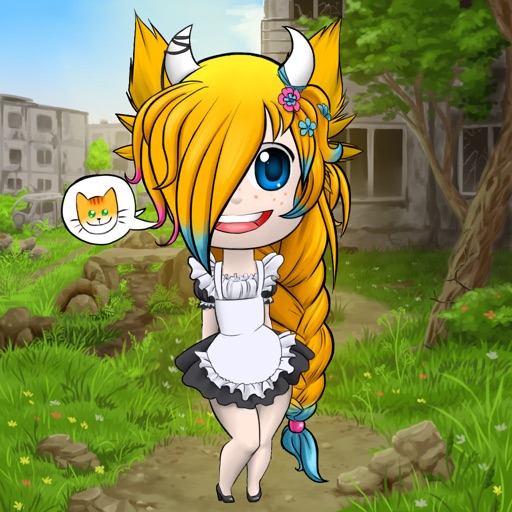
Create custom anime characters by mixing and matching facial features, hairstyles, clothing, and accessories. Adjust makeup, eyes, lips, and body type. Save or share generated images as wallpapers or social media posts.
Create portraits with customizable features like accessories, eye shape, lip style, and hairstyles. Draw easily with detailed tools. Export and share finished sketches.
Create pixel art using a grid-based drawing interface. Draw with customizable colors and brush sizes. Share artwork directly to social media or the in- community. View and comment on other users' pixel art.
And create art with a variety of pre-designed images including mandalas, animals, and flowers. Build a garden, earn rewards, and access daily updated coloring pages. Share finished artwork and customize palettes.
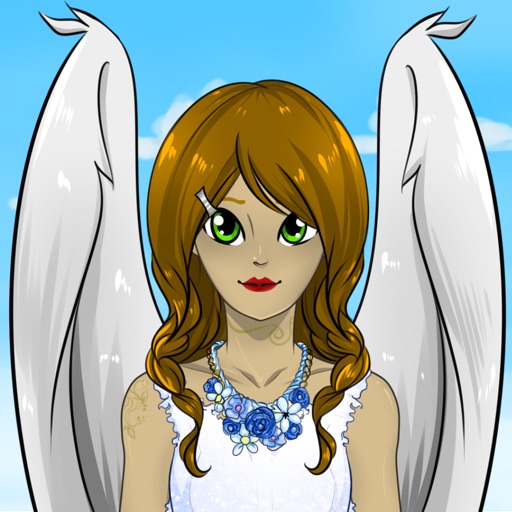
Create characters by setting gender, profession, and appearance. Add accessories, name the character, and save to a gallery. Share via social networks or use as an . Email characters for further editing on a computer.
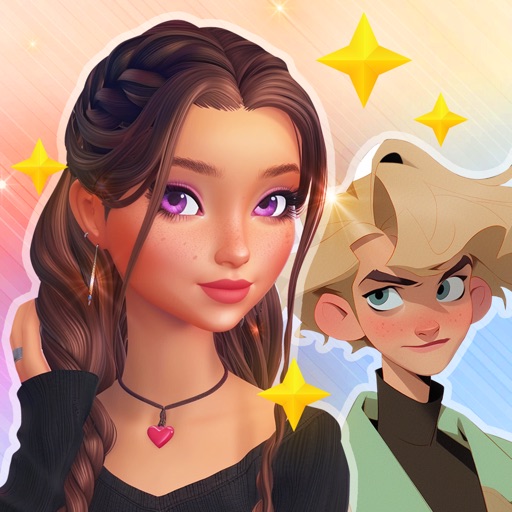
Create avatars using AI by uploading photos and providing text descriptions. Transform self or friends into custom characters with one-click generation. Generate unique images based on user imagination and text input. Share created avatars directly.
Create avatars from selfies with customizable features. nd share funny . Customize keyboard elements with new themes weekly. Predict future face changes. Share avatars in chats for expressive communication.
Create 3D avatars from selfies using AI technology. Adjust facial features and expressions. Animate avatars for use in chat or social media. Save and share customized models.
By number images allow users to select and fill in numbered sections with colors. Import personal images to create custom puzzles. Share completed artwork with a community. Track progress and view completed artworks.
Access -themed pages and drawings. Create and customize artwork with easy-to-use tools. Share finished drawings via the . Includes a pixel art workshop for detailed designs.
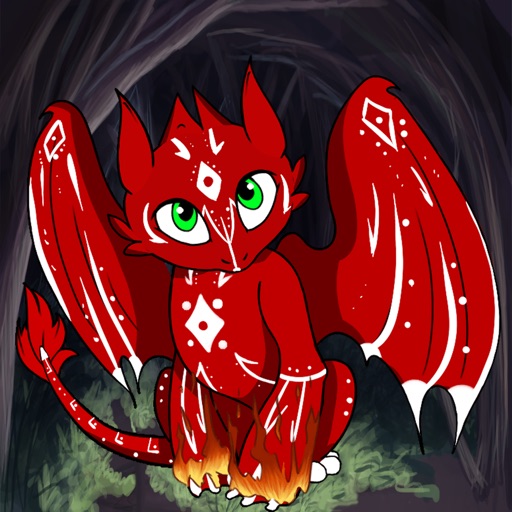
Create and customize a dragon with hundreds of detail options. Dress it, celebrate holidays, and alter its mood. Train it to breathe fire, become a knight, or grow flowers. Share creations and interact with the dragon's behavior.
Create 3D pixel art by coloring blocks according to numbered guides. Rotate and move 3D models to view all sides. Save and share completed artworks on social media platforms.
Create personalized emojis and 1500+ stickers using selfies or uploaded photos. Customize avatars and share emojis across messaging apps and social networks like WhatsApp, Facebook, Instagram, Snapchat, and Telegram.
Create avatars from uploaded photos using AI. Adjust facial features, expressions, and hairstyles. Export avatars in multiple formats and share directly.