Videos with timeline editing, transitions, and effects. Add background music and text overlays. Export in various formats and share via social media or email. Collaborate in real-time with team members.
by Vimeo.com, Inc.★ 4.848,873 ratingsPhoto & VideoFreeData updated 2026-09-21
Convert videos into looping style videos with or without audio. Create Live Photos from boomerangs and set them as animated wallpapers. Transform videos into GIFs and share them directly.
Photos, videos, and Reels without watermarks in high quality. Copy captions optionally. Automatically open upon reposting. from private accounts you follow. No ads or trackers. No login required.
Create videos by selecting photos from the gallery and adding music. Choose from 50+ transition effects. Adjust frame speed and layout ratio options including portrait, square, and landscape. Preview and edit in real time.
Create hand-drawn animations with a frame editor. Export to GIF, video, or PSD. Use onion-skinning for layering. Repeat frames for consistent motion. Share animations directly from the .
Repost allows users to share posts from other users directly within the . They can repost multiple images, schedule reposts with notifications, favorite reposts, and copy captions.
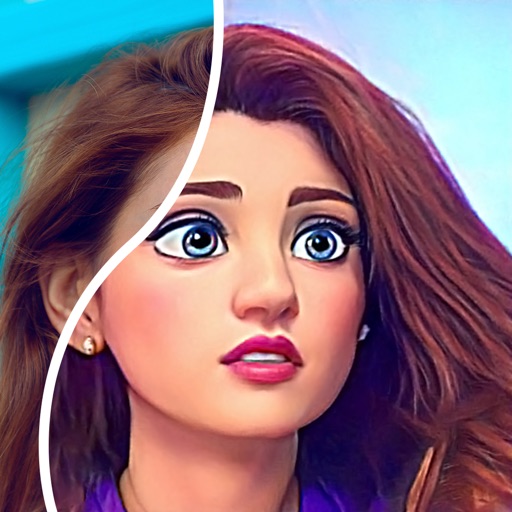
Convert photos into comic styles using AI algorithms. Edit avatars with retouching tools. Access various comic templates. Apply filters and adjust images for effects. Share edited images directly.
Create animated videos from text, photos, or both. Add text and images to form stories. Edit elements like transitions and backgrounds. Export and share finished videos directly.
Record videos while viewing scripts on screen. Combine clips into one . Adjust volume levels. Auto-size videos for TikTok, Instagram Reels, YouTube, and other platforms. Save in HD 4K. Add overlay text and emojis.
Create short videos with soundwaves from episodes. Add RSS feeds to select episodes. Use custom mp3 files for previews. Change background color for customization. Share generated videos on social media.
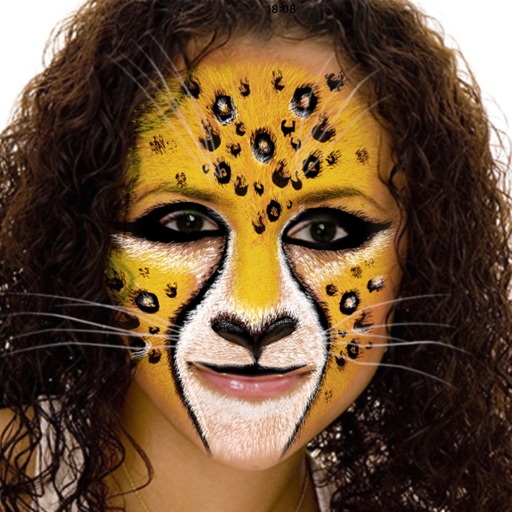
Record videos with AR effects including realistic water effects and 3D enhancements using LiDAR technology. Access a library of AR plugins for customization. Share content directly to and Instagram.
Backgrounds from images and videos using AI and chroma key technology. Erase or restore details manually with pro tools. Edit social media profile pics, GIFs, and memes by removing backgrounds. Export edited content for online stores or sharing.
Edit photos and videos with templates, quotes, stickers, and customizable text. Scale, rotate, position, duplicate, and flip elements with touch gestures. Create collages and design posts for social media. Export and share edited content directly.
Capture low-light scenes with enhanced exposure and LiDAR depth sensing. Adjust RGB color channels and use histogram-based enhancement. Access classic green mode for improved visibility in dim environments.
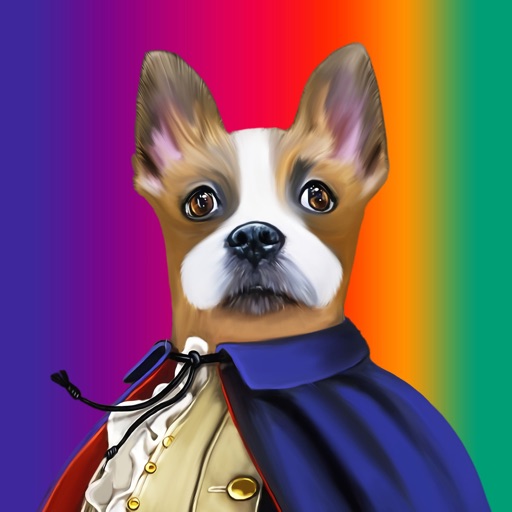
Create pet portraits by selecting a costume and uploading a photo. Preview artwork before delivery. Share with the community or use as an avatar. Subscriptions auto-renew unless disabled at least 24 hours before renewal.
Share files, annotate images, collaborate in real-time
Share files instantly with real-time collaboration and links. Annotate images and documents directly. Preview over 200 formats. Email files or generate shareable links during uploads. Convert and share photos, videos, and documents seamlessly.