View photos with a dolphin companion overlay. Add personal photos to create memory frames. Watch curated dolphin videos. Share edited images and videos directly. Sync photos with the Dolphin frame for display.
by OPERADORA XUNA SA DE CV★ 0.00 ratingsEntertainmentFreeData updated 2026-09-21
Edit photos with filters, Santa Claus transformation, and elf effects. Add snow particles, North Pole backgrounds, and holiday text. Save and share edited images directly.
Create from photos or videos and combine them with existing . Add text, emojis, and drawings before sharing via WhatsApp. Edit videos, rearrange GIF frames, and adjust settings like width, height, frame delay, and loop count.
Sort photos and videos by swiping left or right to categorize them. Remove unwanted files to free up storage space. Highlight and rediscover favorite memories through organized viewing.
Capture Photos by recording 1.5 seconds before and after a shot. Edit Photos with filters, cropping, and animation adjustments. Set static cover images and reveal hidden video by holding. Save and share edited Photos as wallpapers or videos.
The app allows users to select individual frames from videos or existing videos. Users can then place these selected photos into newspaper or magazine-style frames.
Add effects to photos and videos using adjustable glitter intensity. Choose from camera roll media to apply effects. Swipe to switch between different styles. Share edited content directly to social platforms.
Edit photos by applying 40+ overlay effects and adjusting transparency. Add light effects for enhanced visuals. Save edited photos and share them directly.
Convert videos and GIFs into Photos with one tap. Edit animations directly on the device without uploads or internet. Add motion effects and customize transitions. Share Photos directly from the . Control privacy by keeping all data local and secure.
The app allows users to save selected photos and videos into albums. Users can create albums, export saved items to the camera roll, and use a secret mode with a password lock.
Create interactive logs by mapping photos to locations using embedded GPS or manual input. Annotate images with text, tags, and notes. Share mapped journeys and view detailed location-based stories.
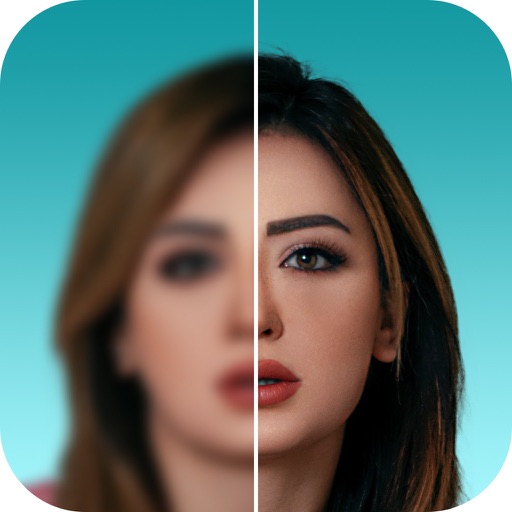
Upscale photos to 200%, 400%, or 800% without quality loss. Repair pixelated and blurry images. Improve resolution and enhance details. Convert low-quality photos to HD. Apply AI-based enhancements for clearer, sharper results.