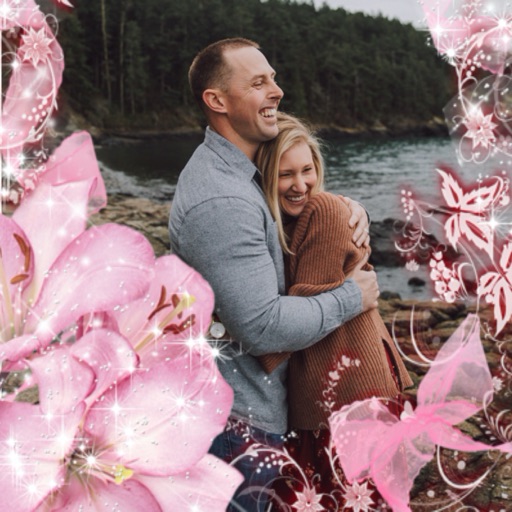
View photos with a dolphin companion overlay. Add personal photos to create memory frames. Watch curated dolphin videos. Share edited images and videos directly. Sync photos with the Dolphin frame for display.
by OPERADORA XUNA SA DE CV★ 0.00 ratingsEntertainmentFreeData updated 2026-09-21
Analyzes photos and videos to identify duplicates, blurry images, and large files. Users can delete unwanted content with one tap. The helps free up space and improves device performance by removing clutter while preserving important memories.
Photos to JPG, PNG, , or PDF formats. Compress images and share directly from the phone. Batch multiple files for efficiency. Adjust colorspace for optimized quality and compatibility.
The app allows users to send photos directly to CEIVA frames from any location. Users can also view, save, share, and store their photos, and invite others to send images to their frames.
Game lets users tilt their phone to control a water toy. Press a button to launch the and aim for targets. Features include sea-themed backgrounds, animal shapes, and realistic motion effects. Track scores and replay sessions.
Apply AI to photos and videos to create cartoon, clay, or anime styles. Choose from trending and apply them with a single tap. Save and share the edited content directly.
The app allows users to import photos and apply exclusive preset after-effects. Users can add preset music or music from their library and share their creations on social media.
Faces between two images with a single tap. Select and apply pre-designed templates. Adjust facial features and expressions. Save and share edited photos directly.
Select a or take a new one with the camera. Choose from over 30 colorful to decorate images. Apply different frame styles and designs. Save edited photos to the gallery and share them on social media.
Transform static images into animated videos with AI. Add speech, lip sync, and expressions to . Create talking portraits or singing avatars. Share animated content directly from the .
Remove backgrounds from photos using AI technology. Cut out objects and edit images with precision. Overlay subjects onto new backgrounds. Save and share edited images directly.
Edit photos with natural tone adjustments and remove over-sharpening. Capture Live Photos and Portrait Mode shots. Use film simulation with multiple recipes. Adjust manual settings for exposure, focus, and white balance.
Edit photos with filters, retro effects, and dimension styles. Crop, resize, and trim images. Adjust colors and brightness. Save and share edited photos directly.
Create by adding photos or to customizable frames. Adjust images with zoom, rotation, and movement. Choose background music or mute the video. Share finished with friends and family.
Create and share short videos as animated GIFs or MP4. Capture frames with the or import photos, videos, or Live Photos. Apply real-time color filters, add text or frames, and choose stop motion or video mode.
Arthur Eduardo Skaetta Alvarez Desenvolvimento de Software LTDA.
Apply depth effects to selfie videos
Lets users apply and adjust depth effects to selfie videos. They can preview each frame in real time before exporting. Users tap to share edited videos directly. The functions without an internet connection.
Create 3D images from taken in real time or uploaded from the gallery. Adjust depth settings and view interactive 3D models. Share 3D via social media or email.
Decorate photos with customizable and add messages. Choose from themed for holidays and occasions. Edit images by adding text and notes. Share framed photos directly.