Apply retro filters and effects to videos. Adjust color and grain for vintage look. Record with simulated 8mm camera style. Export videos for social media sharing. Add text overlays and customize effects. Sync with social media platforms directly.
by 7Logic LLC★ 4.1280 ratingsPhoto & VideoFreeData updated 2026-09-21
Create videos from photos with animated collages and layouts. Resize for social media. Add effects, stickers, filters, and fonts. Choose from thousands of layouts and effects. Design moodboards and mix content for unique, shareable videos.
Apply retro 80s filters to photos and videos. Adjust color, contrast, and grain for a vintage look. Add glitch effects and simulate low-resolution video. Share edited content directly to social media.
Create collages by adding to photos or videos. Choose canvas size and color. Customize with font, size, border, color, gradient, stroke, and shadow. Add stickers or GIFs. Save projects for reuse. Access 300+ fonts for multiple languages.
Using AI to create depth in photos. Upload images from the camera roll. Select or mode. Apply customizable effects including default, radius, motion, zoom, box, surface, and bokeh. Adjust settings for precise results. Export edited photos directly.
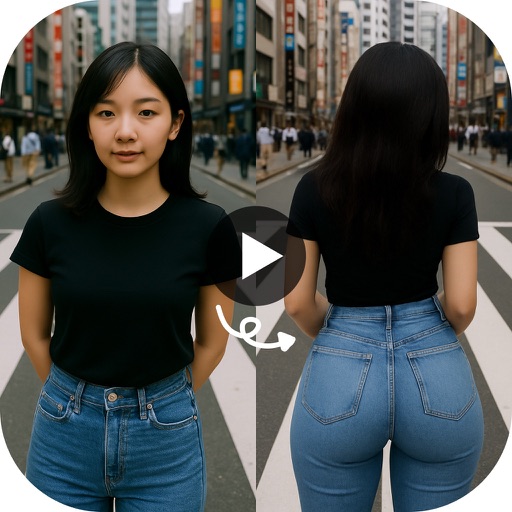
Create animated twerking videos from photos or videos using AI-generated dance moves. Apply filters and effects. Choose from trending templates. Add text and music. Share directly to social media.
Edit videos with AI filters to create comic, toon, or morphed effects. Change facial geometry with sliders. Apply one-tap filters for photorealistic edits. Share directly to TikTok or Instagram Stories.
Create videos from photos with music and special effects. Add transitions, text, and backgrounds. Export videos in various formats and share directly. Apply cool effects to enhance visual storytelling.
Edit photos with filters, masking, and color adjustments. Adjust brightness, contrast, and hue. Draw on images with customizable colors. Crop, rotate, and apply blur or focus effects. Export photos to the library.
Photos and videos with customizable icons and themes. Set up fake passwords and receive break-in alerts. Edit and play media within the . Backup content securely to the cloud. Protect sensitive content with a private .
Backgrounds from images using a variety of tools. Select and erase unwanted areas with precision. Save as transparent PNG or replace with a new . Edit and refine edges for clean results. Export edited images in multiple formats.
Create AI-generated videos from selfies using pre-designed templates. Choose from styles like rap videos or flame-lit effects. Edit video duration and add text overlays. Share videos directly to social media platforms.
Blurify allows users to specific areas of a or the entire background. They can select from various brush types and shapes to apply . Adjust the intensity using a slider. Pre-set effects can be applied for different styles.
Create slideshows by selecting photos and videos from your library. Apply filters, masks, and transitions to each item. Add background music and customize settings.
Edit photos and videos with customizable , presets, and effects. Add grain, dust, blur, and dark effects. Adjust colors and create atmospheric effects. Share edited content directly.