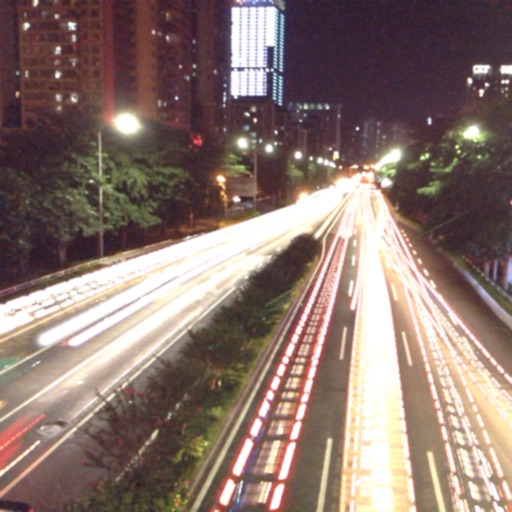
Take photos and videos in low-light conditions. Adjust exposure time with a gesture to capture more light. Use the iPhone torch while taking photos in complete .
by Souria HAKKAR★ 1.01 ratingsUtilitiesFreeData updated 2026-09-06
Edit videos with controls including focus, exposure, ISO, and white balance. Apply slow motion, speed up, add borders, filters, text, music, blur, emojis, and stickers. Share directly to YouTube, Facebook, Snapchat, Twitter, and Instagram.
Low allows users to adjust ISO settings for better image clarity in dim environments. Features include target zoom, manual focus, image freezing, and flashlight activation. Users can capture clearer photos in low conditions.
Turns iPhone, iPad, or Mac into a . Record videos and take snapshots at adjustable intervals. Create time-lapse videos for overview. Access live feed remotely via iCloud. Store footage locally or in private iCloud storage.
Take photos with a -style interface. Adjust zoom by swiping left and right. Fine-tune focus and exposure settings. Capture images with enhanced clarity and precision.
Capture smiles, take multiple photos automatically
Capture photos automatically when smiling using advanced face and smile detection. Take up to 3 selfies with 1-second intervals. View, compare, and save photos. Apply effects to each image. Save to Camera Roll.
Take photos with a customizable countdown from 1 to 60 seconds. Capture multiple shots in continuous mode with a set number. Share photos directly with friends or groups. Adjust settings for single or multi-shot operations.
Edit photos with customizable HDR settings including effects, brightness, contrast, temperature, and hue/saturation. Capture high-resolution HDR photos in one click. View and manage HDR images in a dedicated gallery.
Capture photos and videos with light leaks, film grain, and warm tones. Apply vintage filters and adjust exposure. Record audio during shoots. Save and share media directly. Sync with social platforms for instant sharing.
Scan and generate QR codes using the camera. Automatically detect and read barcodes and QR codes from images, logos, and business cards. Open linked web pages directly. Use built-in flash for low-light scanning.
Control a DJI PHANTOM 1’s camera remotely. Capture photos and videos. Manage photo albums. Adjust camera settings. View live feed and track flight status.
Detect ticks and fleas on pets using a real-time negative filter that highlights bright dots against fur. offline without internet or sign-up. Use torch mode for low-light checks. Set daily, every two days, or weekly reminders for pet inspections.
Take standardized photos and videos of patients using framing templates to avoid distortions. Use device angle sensors for accurate shots. Capture ghost photos based on shadows. Compare before and after images for visual assessments.