Take photos and videos in low-light conditions. Adjust exposure time with a gesture to capture more light. Use the iPhone torch while taking photos in complete .
by Souria HAKKAR★ 1.01 ratingsUtilitiesFreeData updated 2026-09-06
Add star effects to photos and videos with adjustable shine sliders. Choose from square formats and apply filters by swiping. Zoom in or out with pinch gestures. Use flash in low light and mute or add sound to videos.
Capture -angle and panoramic photos using real-time lenses. Adjust distortion levels and select from multiple presets. Edit images with crop, rotate, and brightness tools. Share photos directly to social media or save in high-resolution formats.
Remotely control X Series cameras to capture time-lapse videos in RAW format. Set advanced self-timers with customizable delays and intervals. Adjust waiting and capture sounds. Capture selfies, real-estate, travel, and group photos.
Edit photos with natural tone adjustments and remove over-sharpening. Capture Live Photos and Portrait Mode shots. Use film simulation with multiple recipes. Adjust manual settings for exposure, focus, and white balance.
Create personal time-lapse videos by capturing and adjusting photos. Set reminders, change order and timings, and preview FaceSlides anytime. Choose from seven camera overlays or import multiple photos. Watch videos on Apple Watch.
Capture photos and videos using hand gestures without touching the device. Detect gestures with the built-in camera, wave hands for detection, and perform "Grab" or "V-sign" gestures to take photos or videos. View and browse captured media remotely.
Capture photos and videos with real-time filters applying effects during recording. Adjust filter position by tapping, swiping, or pinching. Edit videos with multiple filter styles ranging from funny to artistic. Share edited content directly.
Edit photos by applying and effects. Select images from the gallery or camera. Adjust frame position, size, and angle. Choose from multiple stylish frame options and effects.
Allows guests to take photos with Photo Booth, record videos, answer quiz questions, and write or draw. Features include customizable options for photo and video capture, interactive quizzes, and guest participation without supervision.
Edit photos and videos with advanced tools including exposure, ISO, and white balance adjustments. Adjust focus, color grading, and apply filters. Export in various formats and share directly.
Edit photos with filters, stickers, and effects. Add text and adjust brightness. Save and share directly. Select from a gallery or take new photos. Includes birthday, wedding, and vacation themes.
Edit photos by drawing on them with adjustable brush sizes and color choices. Use an erase tool and undo/redo functions for precision. Save edited images for later changes or share them directly on social networks.
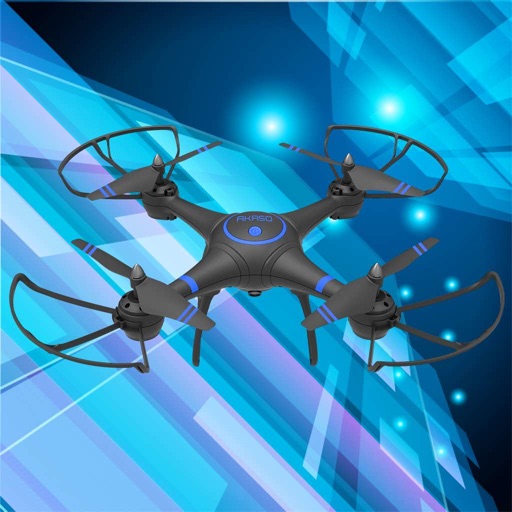
Control drones, view real-time video, record photos
Control a four-axis drone via WiFi. View real-time video feed from the drone's camera. Capture photos and videos using the device. Enable VR mode for immersive viewing. Use voice commands for flight control.
Edit photos with blending tools to create double exposure effects. Add frames, quotes, and background elements. Apply single-layer filters. Export edited images without ads. two images with one touch.
Take photos with customizable cartoon frames. Select from over 20 styles for backgrounds and panoramas. Edit images with filters and effects. Share photos to social media or save to the photo library.
Take photos with continuous focus and exposure adjustment. Use horizontal detection for natural shots. up to 144x during or after shooting. Trim images before saving. Import photos from the library. Quick launch via widget.