Apps Like PainterAR: AR Trace Drawing for iPhone and iPad
Sketch, , and refine digital art
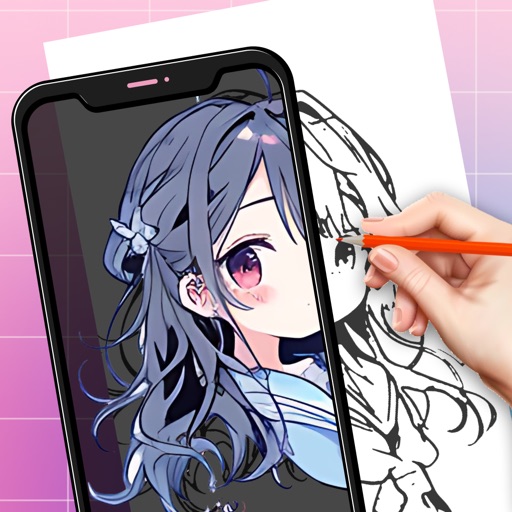
AR : Project sketches onto real-world surfaces for accurate proportions. Use stand mode for stable, low-latency . Convert paper sketches into digital art with precise tracing and editing tools. Save and export artwork in multiple formats.
by Concord Island Digital Science & Technology Co., Ltd★ 4.4655 ratingsGraphics & DesignFreeData updated 2026-09-06
Create digital art with natural-media brushes and exclusive media types. Sketch, draw, and paint on a blank canvas. Transform photos into artwork using AI and cloning tools. Access advanced features with a subscription.
To draw with video tutorials that break down techniques into manageable steps. Practice fundamental skills through structured lessons. Follow along with visual guidance to improve technique and create artwork.
By tracing individual letters, full alphabets, or complete words. Customize fonts and lettering styles. Use templates for hand lettering and writing. Export traced work for further use.
Create drawings using AR tools, trace real-world objects in real-time, and convert photos into sketches. Access a library of templates for design projects. Share artwork directly from the .
Create still or animated drawings that flow and evolve. Use generative brushes for natural, responsive sketching. Design fluid artwork for backgrounds or sharing. Adjust brush settings for precise control. Export drawings in various formats.
Create using a drawing interface with customizable brushes and pencils. Import and animate vector graphics. Export frames as images or video. Add sound effects and background music. Share directly to social media or email.
Create art by blank pages or using provided templates. Choose from hundreds of pages in different styles. Access high-definition images and textured materials. Save and share completed artwork.
Create notes, annotate PDFs, and sketch digitally. Convert whiteboard images to vector ink with Inkport gen 2. Resize, recolor, and edit drawings. Build layered sketches without using layer functions. Share notes across devices.
Create and refine digital art using AI-powered tools. Draw sketches or provide text prompts for AI interpretation. Make edits to existing images with precise control. Adjust colors, shapes, and details for accurate visual results.
Allows users to trace images from photos or built-in libraries. Features include applying filters to enhance accuracy, selecting and adjusting images, and creating one-of-a-kind drawings on paper.