Create photo grids by slicing images into tiles and arranging them. Design Instagram stories with customizable overlays. Generate panorama posts for social media. Export and share content directly.
by Edouard Barbier★ 4.5161 ratingsPhoto & VideoFreeData updated 2026-09-21
Create engaging openings with pre-designed transitions and intros. Add hooks to TikTok and Instagram videos. Customize to grab attention quickly. Share videos directly from the . Sync with social media platforms for seamless posting.
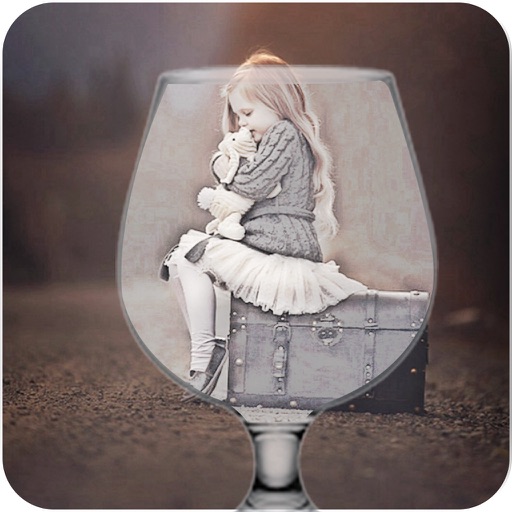
Apply effects like , Doodle, and Hatch to photos. Add photo frames to edited images. Use Photo in Photo feature to overlay sketches on original photos. Edit and share modified photos directly.
Create collages by arranging and combining photos. Add text, stickers, and borders. Adjust colors and brightness. Save and share collages directly. Import images from gallery or camera. Apply filters and effects.
Edit photos with AI-powered enhancements and transformations. Add or replace objects using text prompts. Use AI Brush to paint areas and describe changes for realistic edits. Convert photos into digital art with detailed text inputs.
Edit photos with one tap using 50+ overlays and blend modes. Adjust opacity and apply filters. Create movie posters with custom combinations of overlays and filters. Share edited photos directly to Instagram, Facebook, or TikTok.