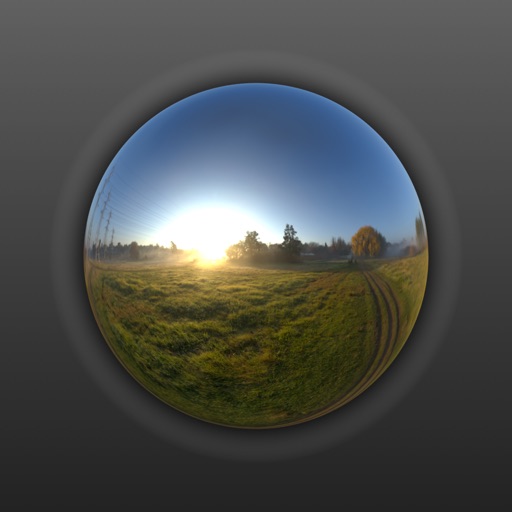
View and edit and video metadata including location, date, camera info, and file size. Modify location details, captions, and copyright. Bulk edit multiple photos. Share metadata with other apps. Open locations in maps services.
View and edit metadata for photos, including GPS location and geotagging. Remove data from images. Access metadata from iOS devices, Photo Stream, or iCloud. Sync across all iOS devices with a single purchase.
View from photos and videos including pixel dimensions, orientation, and EXIF data. Display technical details like resolution and file format. Access information regardless of camera brand or source.
Record videos and images from a distance. Configure safety mode for controlled flight. Capture panoramic 360-degree views. Access instructional content for drone operation. Enable aerial photography features.
A utility that allows users to create and share modules for outputting images and text. Features include custom text reading, image viewing, favorites, categorization, downloads, dynamic UI, customizable colors, and light/night mode.
Watch 360-degree and 3D VR videos on VR headsets or without glasses. Navigate through a library of VR content. View immersive videos in virtual environments. Support for multiple VR devices including cardboard and Oculus.
Create personalized feeds by arranging up to 9 square photos in a grid layout. Save grids to the camera roll and post them directly to without needing an account. Edit and share feeds with one-tap uploads.
Resize and crop images for specific dimensions and resolutions. Adjust colors and metadata accurately. Batch process multiple files with customizable workflows. Export in various formats for social media, printing, or projects.
View images, photos, GIFs, and PDFs in a folder with smooth high-resolution previews. Navigate using mouse wheel or keyboard shortcuts. Rotate and zoom images. Browse history is available. Open and read PDF documents directly.