Apps Like Retouch Photo - Remove Objects for iPhone and iPad
Distractions from photos
Unwanted and background distractions from photos using AI-powered editing. Edit images by selecting and erasing specific elements. Adjust lighting and colors for enhanced clarity. Save and share edited photos directly.
by Yalex FZC LLC★ 4.718,675 ratingsPhoto & VideoFreeData updated 2026-09-21
Edit photos with AI-powered tools for skin smoothing, sculpting, and makeup application. Adjust lips, eyebrows, and hair color with precision. Apply filters and simulate beauty enhancements. Share edited images directly.
Edit photos with auto and drawing tools. Apply 20+ effects and unique shapes. Zoom for high-resolution details. Use brush offset to avoid finger interference. Preview and adjust focus areas. Export edited images directly.
Remove objects and watermarks from photos using AI-powered tools. Edit images by erasing unwanted elements like people, animals, or objects. Repair images with high-quality processing and share results on social media.
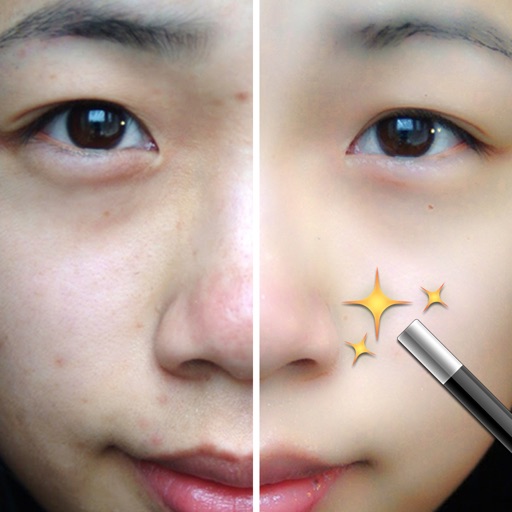
Edit photos by removing unwanted elements like , skin blemishes, buildings, and lines using AI technology. Crop images and videos with high quality. Eliminate dark spots and acne from faces or bodies. Adjust and enhance images for a polished look.
The app reveals how faces would appear if the right and left sides were symmetrical. Users can load or take photos, process them, and compare facial sides.
Edit photos with AI-powered enhancements, filters, and effects. Crop, rotate, and adjust brightness, contrast, and saturation. Add text, stickers, and borders. Export in various formats and share directly.
Edit photos with facial adjustment tools for eyes, nose, lips, eyebrows, and jawline. Retouch skin, whiten teeth, and remove dark circles. Apply makeup with customizable options. Adjust backgrounds and export in multiple formats.
Remove unwanted objects and people from photos with a few taps. Edit skin imions and blemishes for a smooth, natural look. Use AI-powered tools to enhance images without internet access.
Remove backgrounds from images and create transparent or colorful alternatives. Edit colors, apply filters, add borders, and include text. Save edited photos as high-quality PNG or JPEG files.
Backgrounds with a single touch. Replace backgrounds with any image. Apply blur to create a depth effect. Adjust clarity for better visibility. Export edited images directly.