Play card games with undo, redo, and auto-complete features. Tap and hold cards to highlight matching ones. Access hints, track statistics, and switch between normal and pro modes with customizable gestures and quick move options.
by Delta Engineering Labs, LLC★ 4.5435 ratingsGamesFreeData updated 2026-09-21
Play Solitaire by arranging cards in descending order within matching suits. Tap to move cards, undo moves unlimited times, and auto-save progress. Track statistics and benefit from easy-to-read cards and intuitive gameplay.
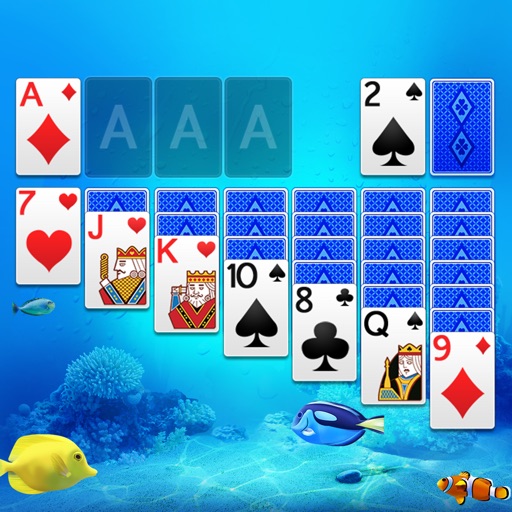
Play with scenic themes and customizable designs. Draw one or three cards, tap or drag to move cards. Access smart hints and auto-collect completed cards. Track scores, view statistics, and complete daily challenges.
Play card games by dragging cards to arrange in descending order with alternating colors. Sort suits from ace to king. Complete daily challenges to earn awards. Track progress and compete with other players. Share scores and achievements.
Play with expert mode offering no hints or assistance. Customize cards and boards. Track game statistics. Access premium content through in- purchases. Save and review game progress. Share scores with other players.
Play by arranging cards in sequences from King to Ace. Move cards between tableau piles and foundations. Undo moves and restart games. Track progress and save multiple sessions.
Play by dragging and dropping cards or tapping to move them. Choose left or right handed mode. Save and resume games during interruptions. Use unlimited redo, optional 1 or 3 card draws, and standard or Vegas scoring.
Play solitaire, track your progress, and challenge
Play Solitaire by arranging cards in descending order across tableau piles. Build sequences from King to Ace, move cards between piles, and complete foundations. Undo moves, restart games, and track progress through multiple difficulty levels.
Play solitaire with classic Klondike rules and new card designs. Move cards between tableau piles, build sequences down from King to Ace. Complete foundations by matching card suits. Undo moves and restart games.
Play by arranging cards in descending order across foundations. Move cards between tableau piles. Undo moves and restart games. Save progress offline. Compete in timed challenges. Track high scores. Customize card layouts and themes.
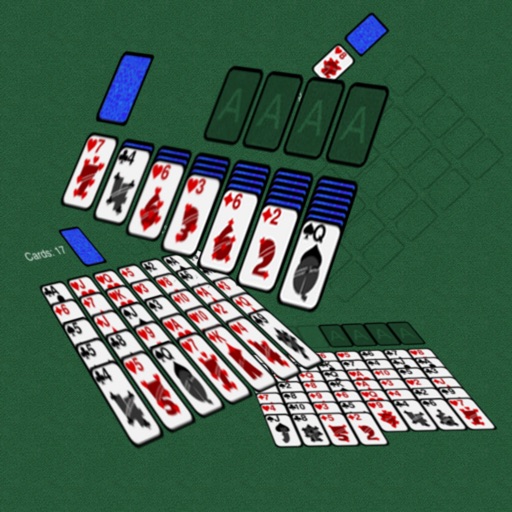
The app offers a large collection of solitaire and traditional card games. It features a smooth 3D presentation with an elegant drag-drop interface, custom table and card back installations, and automatic game saving.
Play with classic game mechanics and modern design. Move cards by tapping or dragging. Choose from different game modes. Track progress and compete with other players. Save and resume . Adjust settings for customization.
Play with a beautiful interface and intuitive controls. Tap or drag to move cards. Choose from easy, hard, or Vegas-style game modes. Use hint and undo features as needed. Track progress and replay games.
Play with classic card game rules. Move cards between tableau piles, build sequences in descending order, and move cards to foundation piles by suit. Save progress and play offline. Compete in online multiplayer matches.
Play including Klondike, FreeCell, Spider, and others. Manage multiple decks and suits. Use single-click auto-move and auto-finish features. Adjust difficulty from very easy to very hard. Track progress and replay .
Play with ad-free gameplay and classic card layout. Shuffle cards using the same algorithm as Windows . Enjoy modern graphics and Retina display support for and Pro. Track game progress and replay previous hands.
Play with multiple game modes and holiday themes. Move cards between tableau piles and foundations. Undo moves and restart games. Track progress and save multiple game sessions. Share high scores and compete online.
The app offers four solitaire games: FreeCell, Golf, Klondike, and Poker. It features an easy-to-use tap interface, unlimited undo/redo, and selectable backdrops and card backs.