The app provides custom-designed drawing tools that simulate real art supplies. Users can share their creations or save them for later, with options for interaction through likes and following.
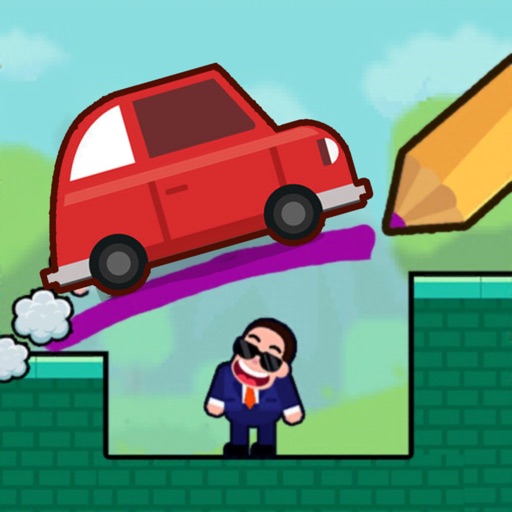
Build bridges by drawing lines to support a car across varying levels. Adjust structural elements to ensure stability. Test designs for strength and accuracy. Progress through increasingly complex challenges.
Remove backgrounds from images by drawing a closed curve. Automatically erase similar color areas for transparent results. Adjust brush size for precise edits. Pan, zoom, and rotate images.
Edit photos by drawing on them with adjustable brush sizes and color choices. Use an erase tool and undo/redo functions for precision. Save edited images for later changes or share them directly on social networks.
Create drawings with realistic pencil, marker, and crayon tools. Choose from bright and soft color options. Use notebook-style pages for sketching, doodling, or coloring. Save and share drawings directly.
The app allows users to draw directly onto their camera lens or photos. Users can add captions, stickers, and doodle on images before saving and sharing them.
Create drawings by connecting points on the screen to form shapes. Adjust line thickness and color. Save and share completed drawings. Export in various file formats.
Create and color animal doodles with customizable pencil sizes and a wide range of colors. Select from 40 free animal images for . Erase drawings and adjust graphics settings. Access HD images optimized for iPhone and iPad.
Is a casual puzzle game where players lines to deflect bees and protect a dog. Users can tap the screen to create shapes, guide the dog safely, and complete levels. The game challenges problem-solving skills and offers varying difficulty levels.
Learn to draw anime characters with structured lessons covering basic poses and chibis. Access coloring pages for stress relief. Use realistic brushes to enhance techniques. Track progress and practice different art styles.