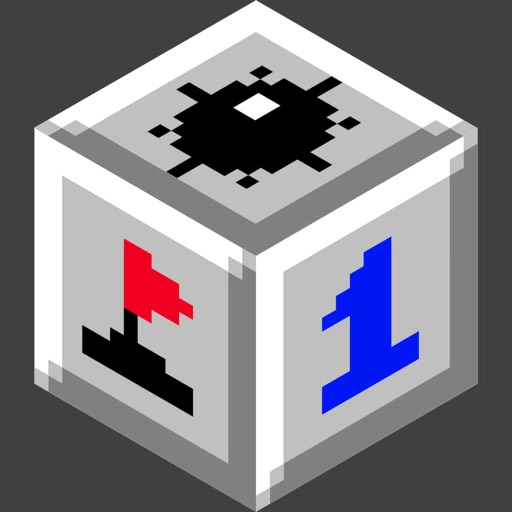
Play a 3D version of Minesweeper with customizable minefield settings and difficulty presets. Flag and open cells using standard game mechanics. View the minefield in cube view or highlight individual planes.
by William Chilcote★ 5.01 ratingsGamesFreeData updated 2026-09-06
Play with customizable difficulty levels from 1 to . Use a magnifying glass to reveal hidden tiles or continue playing after a game over. Track progress across different board sizes and difficulty settings.
Play with a clean, minimalist interface. Reveal cells to uncover numbers or mines. Flag potential mines and clear safe squares. Adjust difficulty settings and track progress without leaderboards or time limits.
Tap blocks to clear the screen by moving them in one direction. Plan moves carefully as shapes grow more complex. Swipe to rotate and select next moves. Customize blocks with skins and themes. Relax with challenging yet satisfying gameplay.
Play by uncovering cells on a grid while avoiding hidden mines. Use logical deduction to identify mine locations. Adjust difficulty from Easy to Expert. Solve puzzles without guessing thanks to solvable game feature.
Solve cubic puzzles on space-themed . Navigate environments to collect stars and avoid obstacles. Move through levels with limited steps. Unlock new and progress through challenges. Track collected stars and complete missions.
Solve puzzles by uncovering squares to reveal numbers indicating adjacent mines. Flag squares to mark potential mines. Avoid uncovering mines to win. Use marks to toggle flagged squares.
Play with customizable grids and bomb counts. Choose tile styles and background images. Create custom challenges or select predefined ones. Track progress and adjust difficulty settings.
Play classic spider solitaire with customizable layouts and difficulty levels. Manage unlimited games with undo, redo, and hint features. Compete on Game Center leaderboards. Adjust card direction and appearance settings.