Apps Like Beat Maker - Sampler for iPhone and iPad
Create beats with samples and effects
Create beats using high-quality samples from famous songs. Add effects like delay and reverb. Use a metronome to maintain rhythm. Record beats for sharing. Customize the interface with various themes. No in- purchases required.
by Devnex B.V.★ 4.51,761 ratingsMusicFreeData updated 2026-09-20
Play with adjustable keyboard and access to various instrument sounds. Create using a drum loop pad matrix. Record and share music tracks. through interactive features. Sync with Apple Health for workout tracking.
The app provides tempo control through a spinning wheel or finger tap. It supports various time signatures and tempos for practice, with features like visual flashing and background audio.
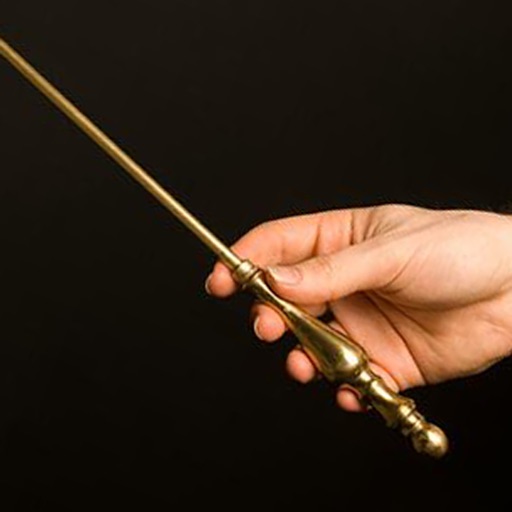
The app provides a metronome with an animated conductor baton that visually displays beats. Users can select from four beat sounds or turn sound off to focus on the baton's movement.
Record using a 2-track audio recorder. Add effects like reverb, chorus, and echo. Play or sing over existing backing tracks or start a new song. Share recordings and collaborate with others in a social community.
Create and edit music mixes with drag-and-drop track organization. Add effects, loops, and transitions. Export as MP3 or WAV. Share directly to social media or email. Supports multi-track layering and real-time playback.
Play Tabla and Pakhawaj with touch-responsive drums that vary sound based on touch intensity. Learn basic and advanced rhythms through structured lessons. Practice with metronome and playback features. Adjust tuning and volume settings.
Challenges users to say rhyming words aloud in sync with a whistling soundtrack. Words appear as symbols in boxes. Users must speak them on to score points. The game features rhythmic beats and humorous rhymes.