Track daily positive experiences by logging each day. Set reminders to stay consistent. View progress over time with visual feedback. Receive motivational prompts and rewards to encourage continued use.
Care for and customize horses in a stable environment. Decorate stables with various items. Race across open landscapes to collect magical petals. Unlock and ride 10 unique guardians with special abilities.
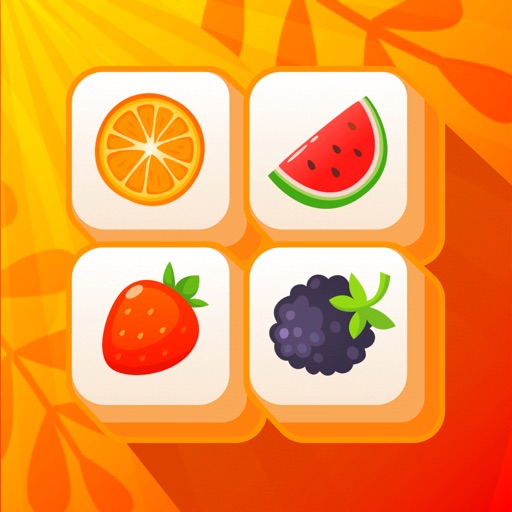
Is a matching game where players pair with identical images. Users connect with up to three lines at 90-degree angles. They must complete puzzles within a time limit by linking matching pairs.
Play through 400 board layouts in any order. Choose by theme or difficulty level. Match tile pairs to clear boards. Collect trophies, achievements, and complete quests. Unlock all 10 achievements.
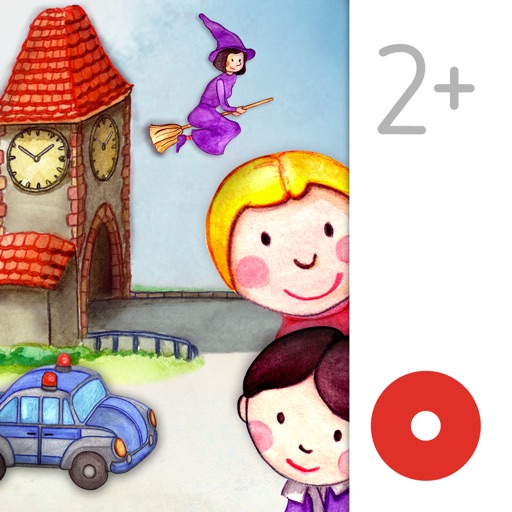
Read and interact with hand-drawn picture books featuring over 70 animated elements. Tap to trigger whimsical sounds and animations. Navigate through pages with a visible navigation bar. Explore interactive features that enhance storytelling.
Explore 40+ 360° levels detailed environments and gentle challenges. Complete artifact sets as you progress through the story. Enjoy beautiful 3D visuals and calming animations. Listen to a soothing soundtrack. Play without required purchases.
Turn your iPhone or iPad into a relaxing display. Choose from four HD video scenes including busy coral reef and shark paradise. Set background playback and adjust lighting effects. Share videos directly from the .
The app offers a collection of 455 handcrafted puzzles across 6 levels. Users can connect matching tiles to solve challenges without timers or pressure, enjoying a calm space to focus and unwind.
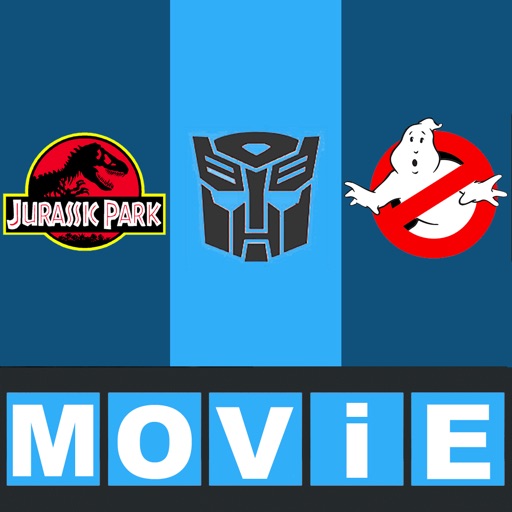
The app presents pictures from famous films for users to recognize. It offers simple, instant fun with no registration required, making it easy to play.
Play tile-matching games by tapping to collect three of the same type and blast them. Clear all to win each level. Avoid filling the tile box to prevent failure. Use helpful tools to solve puzzles.
The app presents pop culture guessing games where users identify celebrities from revealed pictures. Players unscramble letters to name stars and earn stars based on speed and cleverness.
Play a connect-the-dots game by dragging a line from 1 through every number to fill the grid completely. Avoid gaps and shortcuts. Track progress through challenging puzzles that require strategic planning and logical thinking.
Play by matching tiles with identical pictures. Remove all tiles in the fastest time for the highest score. Tiles are arranged in a grid with 43 unique images. Swipe to select and pair tiles for removal.