Practice musical and chord recognition with customizable exercises. Select difficulty levels from beginner to advanced. Track progress and receive recommendations for targeted skill development. Sync with Apple Health to monitor practice sessions.
Create and edit song lyrics with formatting tools. Record and edit melodies and vocal ideas. Save and organize song drafts. Export tracks and share files directly. Sync with other devices for collaborative work.
The app allows users to play chords by tapping buttons and strumming. Chord buttons can be reconfigured for over 150 chords per key, and users can experiment with picking melodies.
Create and edit professional music charts using the Nashville Number System. Switch between number and letter-format chords. Share charts via email or print. Export in multiple formats for easy distribution.
Create chord progressions using an intuitive chord selector and choose scales. Draw arpeggios for rhythmic patterns. Compose melodies and build full songs with multiple sections.
Practice with interactive exercises that improve accuracy, rhythm, and note recognition. Use MIDI instruments, microphone input, or on-screen keyboard for flexible practice. Track progress and refine musical skills through targeted sessions.
The app allows users to hear pitches for written notes or piano keys. It supports intervals and chords up to 5 notes on iPhone and 12 notes on iPad, with key signature support for easier pitch finding.
Learn guitar, piano, and other instruments through structured . Track progress with practice logs and performance reviews. Access teacher feedback and join community forums for support and collaboration. Share recordings and receive critiques.
Build essential music theory skills by practicing intervals, chord identification, and dictation. Analyze live singing with real-time pitch visualization on a score. Transpose melodic exercises to any key, clef, or octave.
The app allows users to write melodies, lead sheets, arrangements, and scores. Users can enter and edit music intuitively with finger touches, and modify lyrics and chords.
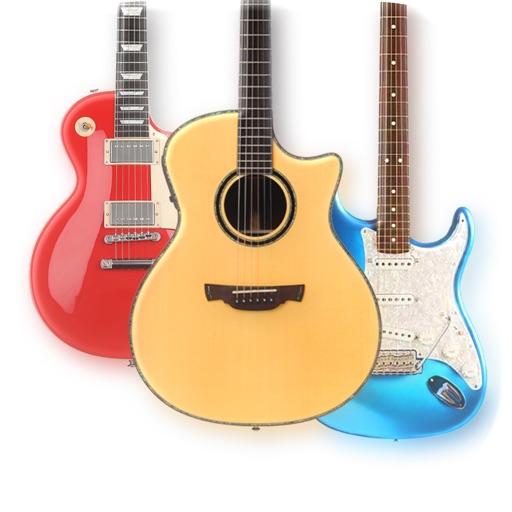
The app provides a lifelike virtual guitar experience with studio-recorded sounds. Users can play chord buttons or form chords with forgiving finger position recognition.
Learn and practice music intervals, scales, modes, chords, and cadences. Play back examples to understand sounds. Practice with melodic or harmonic exercises. Receive feedback on accuracy. Track progress over time.
Learn , , and songs through interactive exercises and games. Practice finger positioning for proper technique. Create chord progressions and improvise with backing tracks and a metronome. Record and save performances.