Create custom filters by combining over 150 available effects in series. Adjust filter order and save chains for reuse. Load and record images or videos with applied filters. Export edited content in various formats.
by Narumi Inada★ 4.06 ratingsGraphics & Design$4.99Data updated 2026-10-29
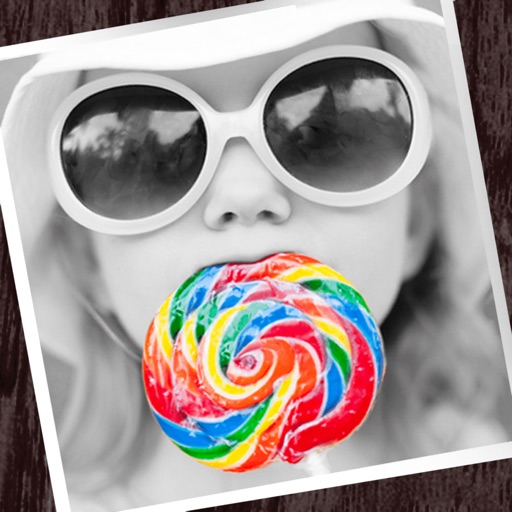
The app allows users to apply monochrome filters and effects to specific parts of an image by rubbing with a finger. Users can also reduce or enlarge images using a pinch gesture.
Apply live color gradient filters to simulate vision and vision effects. Toggle filters on/off with swipe gestures. Customize color schemes to distinguish objects visually.
Convert static images, text, or short videos into animated clips using AI. Edit generated videos with trimming, speed control, and filters. Share finished videos directly to social media platforms.
Edit photos using 300+ Lightroom for iPhone, including Portrait, Cinematic, Natural, Retro, and Instastyle filters. Apply instantly or export to Lightroom. Preview and organize across multiple categories.
Edit photos with filters, filter mix, and creative shape effects. Apply mirror and mask tools. Create photos without cropping. Design grids and add funimate effects. Share directly to Instagram.
Create film-style videos from photos or capture new moments with a vintage camera. Apply retro filters, use customizable aesthetic templates, and edit videos with timeline controls. Share finished videos directly to social media.
Apply color filters inspired by New City to photos and videos. Use photo effects like Daily, Retro 1, Retro 2, Old, SC, UB, MS, HL, TS, HR, CP, and BB. Apply live filters during shooting. Customize date stamps with specified date and format options.