Calculator helps users compute offsets and rolling offsets for precise layout planning. Input measurements to calculate basic or advanced rolling angles. Generate detailed reports and save calculations for future reference.
Convert decimals to fractions and vice versa. Display equations and results simultaneously. Edit calculations easily. Add to Today Screen for quick access. Ideal for , woodworking, and homework verification.
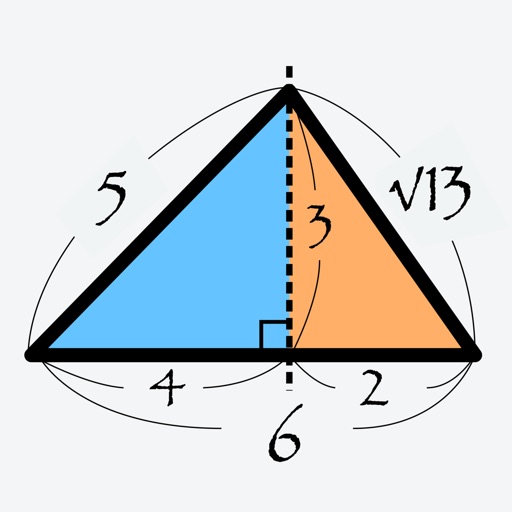
Calculate as angle, percentage, or ratio using a right triangle. Enter two sides to find the remaining values. Display results clearly with unit options. Save and share calculations.
Tune musical instruments by ear with note generation from A1 to C7 in four waveforms. Adjust A4 calibration between 415Hz and 466Hz. Choose sine, square, triangle, or sawtooth waveforms. Set output volume. Load tones instantly with precise emission.
Play sounds at defined frequencies between 0Hz and 25kHz. Use the noise meter to measure sound levels. Test speakers with quality audio for sound output.
Generate sine, square, sawtooth, and triangle tones across a wide frequency range. Adjust frequency by swiping up or down. Sweep sine frequency for hearing testing. Play tones to clean speakerphone dust and water.
Calculate sides and angles for right-angled and scalene triangles. Access a reference guide for formulas. Perform precise calculations using known values.
Generate tones, adjust frequencies, play multiple sounds
Generate tones between 20 Hz and 15000 Hz with 0.1 Hz precision. Adjust frequencies and volumes in real time. Play up to 12 tones simultaneously with independent volume control. Supports sine, square, and triangle waveforms.
Perform calculations with addition, subtraction, division, and multiplication. Calculate powers, roots, and percentages. Use dark mode, split view, and portrait/landscape orientation. Copy results by pressing and holding numbers.
Create and manipulate sound using two oscillators and one noise generator. Adjust frequencies in Hz or MIDI notes. Apply lowpass filters individually to each . Use panning for spatial effects.