Provides detailed explanations of heart surgeries using medical animations. Allows users to view step-by-step procedures, anatomical structures, and techniques. Includes interactive elements for better understanding.
by Cincinnati Childrens Hospital Medical Center★ 5.05 ratingsMedicalFreeData updated 2026-09-20
Generate step-by-step solutions for problems with detailed explanations. Write and refine text with AI assistance. Learn languages, summarize content, and code with interactive guidance. Expand knowledge on any topic through structured learning.
Record doctor appointments with a single tap. Automatically transcribe conversations and securely share them with family or caregivers. Add and share photos of medical charts, medications, or video clips to document symptoms.
Learn fundamentals including physics and device operation. Follow step-by-step guides for vascular access and emergency protocols like eFAST and BLUE. Access diagnostic tools for heart, lungs, abdomen, brain, and vessels.
The app provides step-by-step animations for over 195 knots, organized by activity and type. Users can view detailed information about each knot's use, advantages, and disadvantages.
Learn to tie with step-by-step tutorials covering 195+ . Organize by activity category and type. View detailed instructions using rope, paracord, or other materials. Save and reference knot diagrams for climbers, boaters, and other users.
Manage appointments, schedule surgeries, and track tasks within a secure EHR system. View patient interactions, approve requests, and monitor practice activities. Access scheduling tools based on user role privileges.
View real-time ECG recordings to identify various cardiac abnormalities. Access concise explanations of ECG findings. Replay recordings as needed to study ECG interpretation details.
3D Heart Models allow users to rotate, zoom, and explore the heart in detail. Looped videos provide high-quality animations for major heart conditions. Users can customize explanations and save sessions for later review.
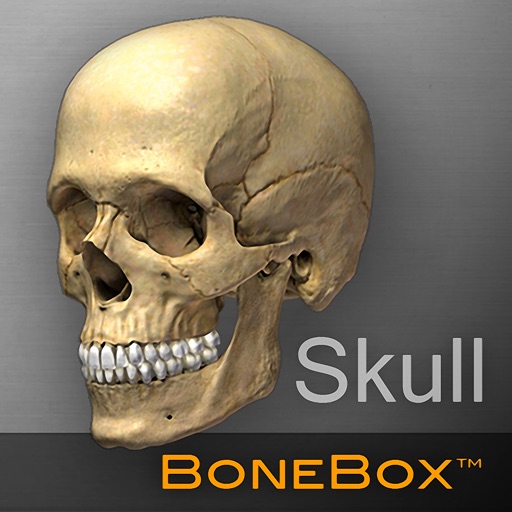
Explore detailed 3D anatomical models with interactive elements. Rotate, zoom, and dissect virtual skulls. View layered structures and labels. Access educational content about anatomy and physiology. Share models via email or social media.
Learn about structure stages with detailed diagrams and explanations. Explore example proteins showcasing structural aspects. View unique properties and functional roles of each .
Prepare for exams with practice tests of varying difficulty levels. Choose tests based on personal pace. Access clear explanations for each question. Track progress and review topics for better understanding.
Manage pain by describing symptoms and receiving evidence-based care plans tailored to individual needs. Track pain levels and monitor progress over time.
The app uses pictures, sounds, and a glossary to help children understand medical terms and procedures. It supports English and Spanish and includes anatomical images for illustration.
Learn SwiftUI with interactive examples and code snippets for components like Sliders, Toggles, Lists, and Grids. Explore foundational elements such as Colors, Fonts, Haptics, Gestures, Animation, SF Symbols, and Accessibility.
The app provides information on facial plastic surgery procedures. Users can view before and after photos and visualize potential results using a virtual plastic surgery tool on their own photos.