Play an augmented reality maze game by scanning an open area and tilting your device. Tap to start, walk through the maze, collect dots, and avoid monsters. Use sound effects to enhance the immersive experience.
Unlock puzzles and riddles to the . Tap to zoom in or explore areas. Tap arrow buttons to move left and right. Tap items in the inventory box to select and use them.
Play as a customizable hero or villain in a shared city-based universe. Fight against up to 150 players in real-time battles. Use wrestling-inspired combat mechanics with customizable powers, costumes, and locations.
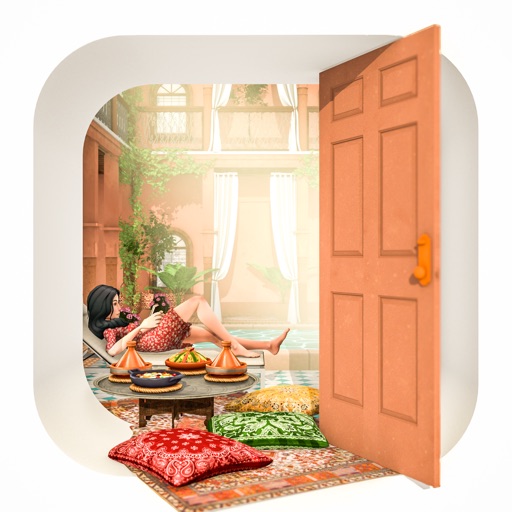
Solve room puzzles in a Moroccan mansion. Search for hidden clues and items. Use swipe gestures to take notes. Access hints when needed. Auto-save progress. Play with intuitive controls.
Solve room puzzles by interacting with objects and solving riddles. Explore a serene garden environment with animated flora and sculptures. Access hints during gameplay. Auto-save progress. Swipe to navigate and manipulate items.
Solve logic puzzles by pushing boxes into target positions. Navigate a warehouse grid using arrow keys. Only push one box at a time. Avoid trapping boxes in corners. Complete levels with minimal moves.
Edit character joints by rotating the blue ball below the screen for natural poses. Scale individual character parts unevenly. Save up to 9 poses. Combine poses with objects. Share screenshots. Adjust lighting direction.
Solve room puzzles set in Alberobello. Explore cone-shaped houses, uncover hidden mechanisms, and complete challenges. Use hints when needed. Auto-save progress. Swipe to interact with environment.
Bouncing lets players jump by tapping the screen to avoid spikes. Navigate between black spikes without touching top or bottom lines. Collect coins and customize character in the shop. Compare high scores with friends.
Explore a mysterious lunar setting with immersive graphics and atmospheric sound. Navigate through rooms by tapping the screen to interact with objects. Automatically save progress without in- purchases. Receive clear hints to guide your .
Capture photos of the moon by aligning the camera manually. Adjust moon size with two fingers. Tap to autofocus or manually adjust focus. Modify brightness using +/- buttons for better detail. Press the circular button to take a photo.
Solve puzzles by searching and interacting with objects. Tap areas to explore or use arrows to navigate. Access hints, answers, and explanations for stuck puzzles. Track progress through multiple rooms.
The app warps pictures, making them funny. Users can take new photos or select existing ones to modify by touching the screen or using a random button.
The app uses augmented reality to place giant robots and monsters into a real-world environment. Users control the robots to battle monsters and can add characters to photos.