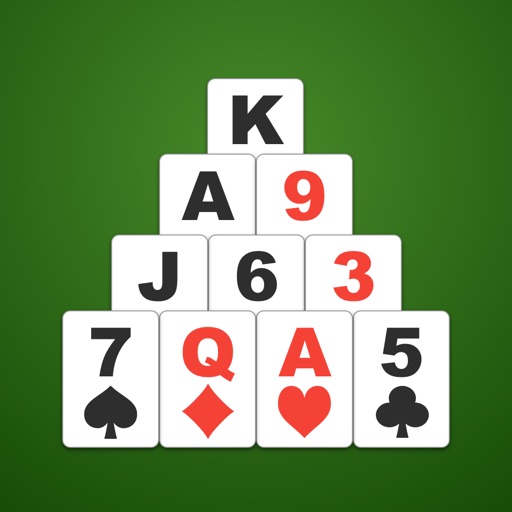
Play Solitaire by removing pairs of cards that add up to 13. Customize background and card backs with photos or colors. Move cards via tap or drag-and-drop. Use hint function and check game over status. Adjust card size as needed.
The app offers classic Klondike gameplay with intuitive controls, daily challenges, and smart hints. Users can track progress with streaks, stats, and achievements, and customize difficulty and draw settings.
The app offers fifteen solitaire games including Klondike, FreeCell, and Spider. It supports portrait and landscape modes with an easy-to-use drag-and-drop interface.
Play by arranging cards into 4 suit piles in descending order with alternating colors. Move cards between tableau piles or to foundation piles. Customize deck and board designs. Play offline without internet connection.
Play Up solitaire by tapping or dragging cards. Remove cards of the same suit by value. Choose from different backgrounds and card designs. Move cards between piles to clear them.
Play solitaire by matching cards to total 11 points. Clear stacks by combining cards from the bottom of decks. Use Aces as 1 point and other cards by face value. Remove matched cards to progress. Manage time as the timer counts down.
The app offers over 100 solitaire games, including Klondike and FreeCell. It features realistic card physics, online leaderboards, and customizable decks and backgrounds.
Play four variants: Klondike, Spider, Freecell, and Pyramid. Customize game settings and themes. Adjust difficulty levels and card animations. Track game progress and save multiple sessions. Share scores and compete online.
The app offers a Klondike Solitaire card game with modern features. It includes customizable backgrounds, card backs, and game modes like Draw 1 or Draw 3.
Play Forty solitaire by moving cards with tap or drag gestures. Adjust the number of cards dealt and deck turnovers. Choose from different backgrounds and card designs.
Play with varying difficulty levels and track scores for completed deals. Customize backgrounds and designs. Move cards using drag or tap, with supermove for multiple cards. Undo moves and benefit from optimized battery usage.
Play games like Spider and . Manage cards through drag-and-drop or auto-play. Customize difficulty levels and themes. Track progress and undo moves. Save games and resume later. Share scores with friends.