Find and save reference poses for drawing characters. View poses from different angles, adjust them, and save images. Support for VRM file reading and stick figure creation.
by KAZUMASA KAWAZURE★ 4.0107 ratingsUtilitiesFreeData updated 2026-09-20
Screen content and import it into the . Select from 360-degree phone shell templates and various angles. Use one-click intelligent synthesis to enhance visual effects. Upload videos to multiple platforms for sharing and promotion.
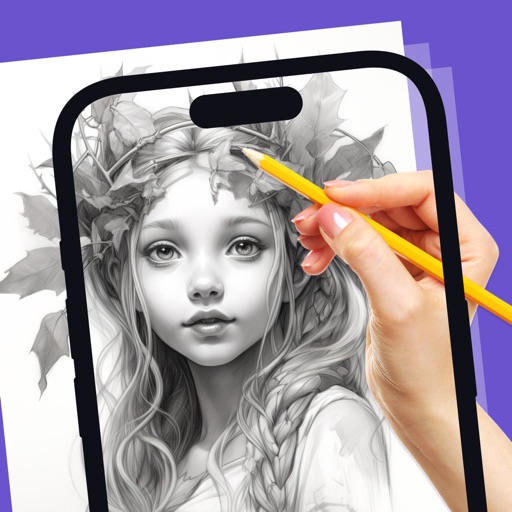
Allows users to create artwork on any surface by projecting templates onto real-world surfaces via camera. Users can outline projected images in real life and watch their sketches materialize.
Turns into a for writing and drawing with colored chalks. Includes realistic animations and sounds. Use photos from the album as backgrounds. Write on images, save, or email them.
Access reference materials with over 9456 entries and more than 20,000 links. Search entries and Bibles directly. Read texts with adjustable text size and color. Includes all content in one download without additional purchases.
Convert photos to videos with one tap using AI. Generate AI sound effects and voiceovers. Edit and animate images. Create videos from text input. Export final content in various formats.
Search images by uploading a photo to find similar images online. View websites containing the and access different sizes. Results depend on how widely the appears on the web.
Generate citations, search books, format references
Generate APA citations for books, journal articles, and academic sources with instant ISBN lookup and YouTube video support. Format citations according to APA 7th Edition. Sync references across devices and copy citations with one tap.
RSS Feed allows users to access and read the latest rehabilitation journals automatically. Stopwatch tracks minimum, maximum, and average times from multiple recordings. Inclinometer measures tilt angles for precise posture and movement analysis.
The app provides 2D vector drawing and design for iPad and iPhone. It offers unique offset controls for precise finger-based editing and supports iCloud synchronization with its Mac version.
Measure distance by dropping pins or drawing paths on a map. Calculate total distance and segments between locations. Search and auto-complete locations. Use current location. Save and share custom maps. View Standard, Hybrid, or Satellite map types.
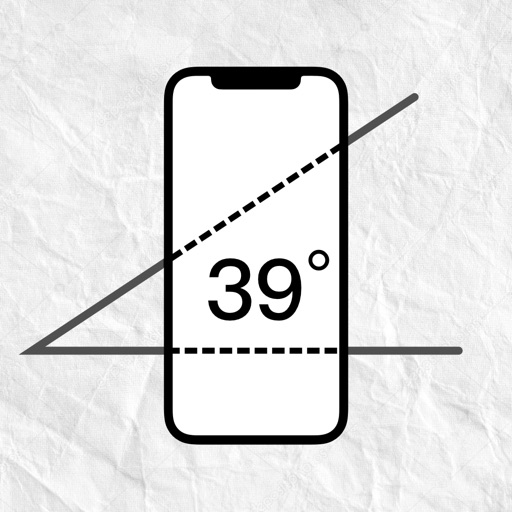
Measure angles by placing the device on the desired surface and adjusting two lines to align with the angle's sides. Display degrees in real time without needing photos or overhead placement.
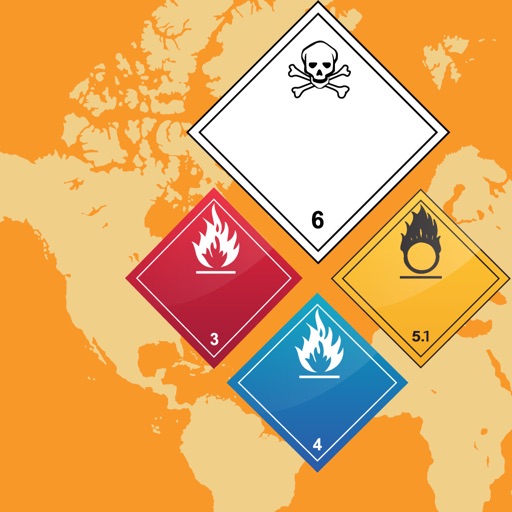
Access hazardous material information quickly with a searchable database of dangerous goods and their associated ID numbers. View general hazards and recommended safety precautions.
Users can characters by drawing them on the screen. The identifies the character and displays its meaning, readings, and components. It also shows stroke order and provides examples of usage.
Use iPad and Apple Pencil as a liquid crystal tablet. Draw in PC programs like Photoshop and Clip Studio. Connect via wired or wireless. Supports pressure sensitivity and real-time rendering. Export drawings as image files.