Apps Like Digipas Smart Levels for iPhone and iPad
Sync , measure, and control remotely
Measure angles and level machines using Bluetooth connectivity. Perform 2-axis simultaneous levelling and 2D alignment. View 360-degree bubble for precise adjustments. Sync with Cube for real-time feedback.
by JSB TECH Pte Ltd★ 4.6266 ratingsUtilitiesFreeData updated 2026-09-20
The app finds a given angle, detects tilt, and measures sector size in degrees. It is useful for measuring slope steepness, hanging pictures, detecting horizons, and measuring arc angles.
Control IP cameras with tap-to-center or tap-to-move functionality. View multiple camera feeds in a single interface. Adjust camera settings and receive real-time notifications.
Dimensions, spacing, and angles in screenshots and photos. Analyze color values, grid alignment, and element positions. Export measurements and compare dimensions across images.
Open websites, apps, and run shortcuts from the Lock Screen. Add unlimited widgets with customizable icons and alignment. Include spacer widgets for precise layout control.
View live video from IP cameras, CCTV cameras, and surveillance DVRs. Watch footage locally or remotely via the internet. Control settings and receive motion detection alerts. Save and share recorded clips.
View live feeds from compatible cameras. Set up cameras quickly. Stream securely anytime. Access footage remotely. Manage camera settings and notifications. Share footage with others.
Detect hidden structures in walls using advanced magnetometer technology. Identify studs, screws, nails, and metallic objects. Locate optimal mounting spots for TVs and shelves. Provides precise detection for accurate installation.
Measure angles in degrees, dimensions, or blocks for leveling a . Confirm status in all directions. Set and remember custom offsets for intentional angles. Compensate for device covers or camera protrusions.
Test buttons and analog controls in real time. Display pressed keys, axis movement, stick input, and pressure. View raw input data and response. Troubleshoot connected controllers for functionality checks.
Take a and use the Move button to align the measurement area with the center of the . Adjust the measuring line using the Angle and Start Line buttons to display angle and radian values.
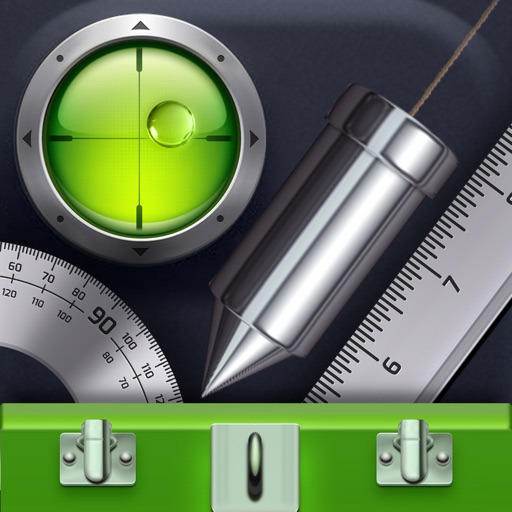
Turn your iPhone into a professional spirit and meter. Measure angles and check with precise digital readouts. Lock onto surfaces and receive haptic feedback. Use built-in calibration for accurate readings.
Analyzes phone accelerometer data to build spectra. Evaluates strength, frequency, and rotational speed of mechanisms like fans and motors. Helps assess the performance and quality of rotating components.