Apps Like Clip Studio Paint for iPhone for iPhone and iPad
Draw with unlimited features for 30 hours
Create digital artwork with customizable brushes and adjust texture, shape, and paper quality. Import and export images in various formats. Access unlimited brushes and tools for free for 30 hours monthly.
by CELSYS,Inc.★ 4.41,875 ratingsGraphics & DesignFreeData updated 2026-11-20
And drawing allows users to select from 100+ images featuring girls, princesses, animals, dinosaurs, and cars. Users can apply nine brushes including neon glow and rainbow. Record drawings as animation clips.
AR : Project sketches onto real-world surfaces for accurate proportions. Use stand mode for stable, low-latency . Convert paper sketches into digital art with precise tracing and editing tools. Save and export artwork in multiple formats.
Learn to sketch figures and garments with step-by-step guidance. Create and manage layers for detailed illustrations. Use AI tools to generate clothing and accessories in specific styles. Add body types including models, women, men, and plus size.
With AR to images or text on real surfaces. Use guided frames for beginners. Create sketches and color them. Export artwork in various formats. Sync projects across devices.
Create and edit digital artwork with layers, brushes, and custom tools. Adjust colors, brightness, and contrast. Import photos and sketches. Save and export in various formats. Apply filters and effects. Collaborate with others through cloud sharing.
Creative drawing tools allow users to draw, color, and design with brushes, textures, and shapes. Access a variety of pages featuring animals and educational themes. Erase, resize, and customize artwork. Save and share completed drawings.
Create frame-by-frame animations using drawing tools. Share animations with a community. Participate in themed contests. Export animations in multiple formats. Sync with flipbook style playback. Collaborate with other creators.
Edit photos with advanced filters, color adjustments, and mathematical transforms. Apply custom brushes and import Photoshop brushes, curves, and fonts. Repaint images and export in various formats. Share edited work on Instagram.
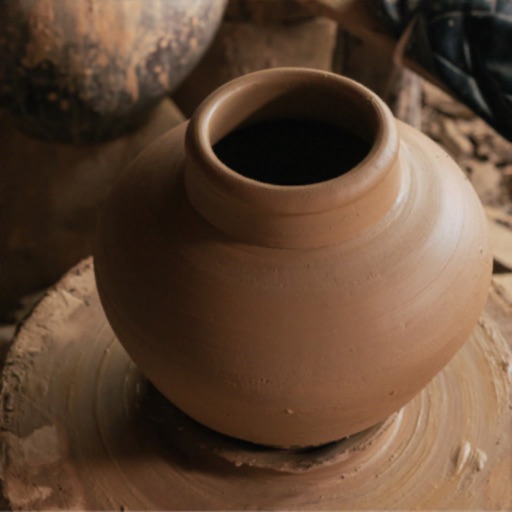
Create by dragging and molding the shape. Bake the pot to prepare for design. Add colors, patterns, and stamps to customize the artwork. Save finished creations to the device gallery.
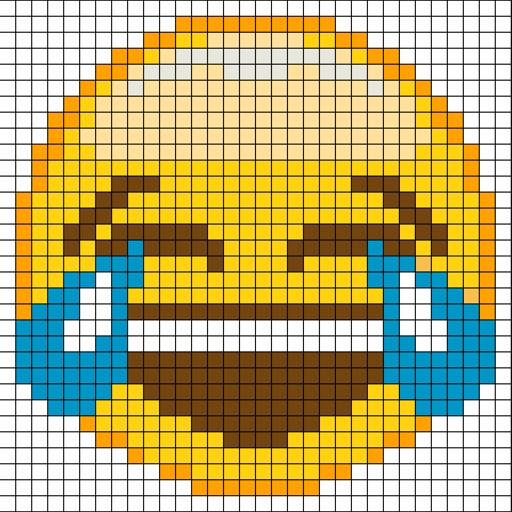
Create by painting individual pixels. Adjust canvas size, select colors, and customize border settings. Erase, undo, and resize drawings. Save artwork to gallery and storage. Share completed pieces others.
Create artwork using brushes, futuristic backgrounds, and glowing stickers. or paint with finger swipes. Add text and notes with the text editor. Apply effects to photos and over them. Save and share edited images.
Allows users to paint and the Family using rainbow brushes and glitter pencils. Includes 200+ pages with themes like animals, cars, and dinosaurs. Features mandala drawing games and interactive activities.
Create and edit digital art with brush tools, layers, and color blending. Import photos and sketches. Adjust brightness, contrast, and saturation. Add text and shapes. Export artwork in various formats and share directly.