Create and customize audio effects with adjustable LFO and diverse waveforms. Sync LFO to host tempo and apply external modulation. View modulation and output levels via Butterfly Meter. Adjust phase modulation distance for stereo effects.
Create and edit music with virtual instruments and audio effects. Record and arrange compositions. Export tracks in various formats. Share finished songs directly. Import audio files for integration.
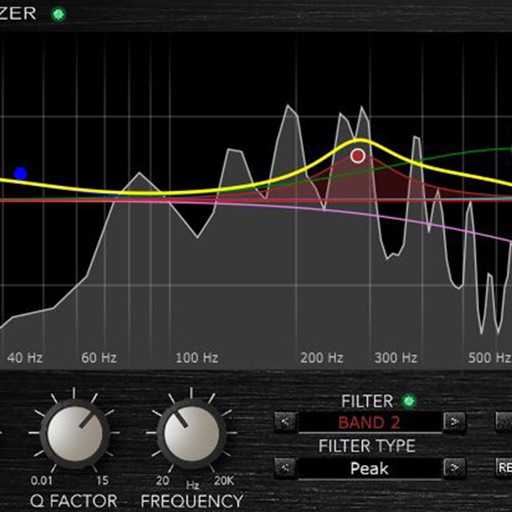
Adjust audio signals with sixteen modes and resonance controls. Modify frequency response visually. Apply saturation for analog-style clipping. Blend wet and dry signals. Use a 4 pole lowpass mode for classic Moog ladder sound.
Identify and adjust individual notes in files. Edit pitch and timing of vocal and polyphonic instrument recordings. Modify timing, pitch, and other details. Export edited files.
Create and customize drum patterns using synthesis models. Adjust parameters like pitch, timing, and velocity. Layer multiple drum sounds. Export projects and share files. Sync with MIDI devices.
Create visualizations using audio and MIDI data. Customize graphics with 8 layers that use shaders, images, or videos. Generate dynamic visuals in real-time during music playback. Adjust parameters to control effects and synchronization.
Use a microphone to create live or recorded loops with trigger modes via keyboard. Process sound with bit and sample crusher, delay, and flanger. Play using a 25-key dynamic keyboard or core MIDI.
Create dynamic stereo panning patterns and rhythmic movements for audio tracks. Adjust panning with precise editing and pattern sequencing. Add fluid motion to static sounds or enhance existing audio with evolving stereo effects.
Load and manage impulse response files for audio equipment. Adjust cabinet sounds with a 6 band parametric equalizer and graphic EQ. Use a custom compressor with side chain filter and bass enhancer.