Apps Like Grid・Photo Split for Instagram for iPhone and iPad
Edit photos, layout grid, upload
Create personalized feeds by arranging up to 9 square photos in a grid layout. Save grids to the camera roll and post them directly to without needing an account. Edit and share feeds with one-tap uploads.
The app allows users to create photo collages from their pictures and share them on social media. Users can select from 52 layouts and customize them with various frame shapes and color palettes.
Edit photos with and frame tools. Add text and customize borders. Export high-quality images without watermarks. Share directly to Instagram and WhatsApp. Save photos in high resolution. Use built-in text . No watermark added. Works offline.
Create collages, stories, and posts from photos with 1000+ layouts and themed templates. Remix up to 20 images with editing tools. Apply filters, remove backgrounds, and add cutouts. Share directly to social media or save as files.
Create collages with multiple layouts and effects. Combine photos from gallery or camera. Merge videos into single clips. Add transitions and effects. Edit images with cropping and filters. Share finished collages directly.
Track followers and unfollowers with detailed analytics. Monitor who has stopped following and identify mutual followers. Instagram profiles and media without logging into the . Requires an Instagram account for access.
Create collages by selecting layouts, adding photos, and personalizing with frames or templates. Arrange images in grids, freestyle, or pre-designed templates. Share directly to social media or messaging apps.
Edit photos with blending tools to create double exposure effects. Add frames, quotes, and background elements. Apply single-layer filters. Export edited images without ads. two images with one touch.
Send photos from Dropbox, Instagram, Facebook, or the camera roll for professional development. Choose from portrait, square, and landscape sizes. Select retailers for same-day pickup and enlargements. Print high-quality photos with pickup options.
The app allows users to crop photos into a square shape for posting on Instagram. It supports both landscape and portrait orientations and offers various background options and effects.
Create video panoramas from photos. Split images into tiles in various aspect ratios. Post sliced photos as multi-post carousels on Instagram. Adjust tile count up to 5 or 9 for layouts. Support all popular Instagram formats.
And edit photos with customizable size formats. Choose from square, portrait, or landscape. Add photos from the library and adjust their position, rotation, and size. Use the adjustments tool for precise edits.
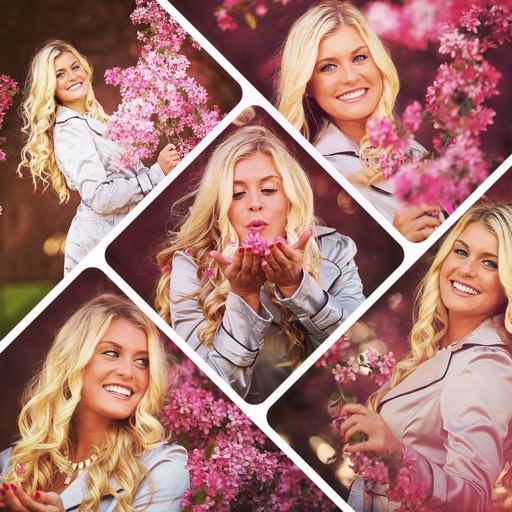
Create photo collages by combining 2 to 9 images into one. Adjust size, position, and layout. Choose from various templates and styles. Add stickers, frames, effects, and patterns. Share finished collages directly.
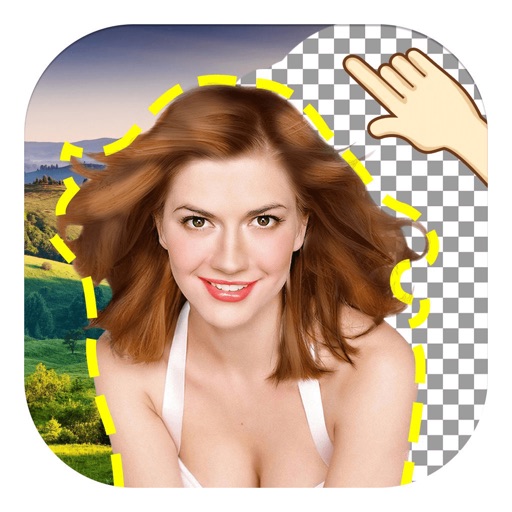
The app allows users to remove and edit backgrounds of pictures. It offers smart and manual cutout tools, with options to move, zoom, rotate, and crop images.
Edit photos with filters, effects, and backgrounds. Create collages and layouts with ready-made designs. Crop and mirror images for social media. Add text and frames. Share edited photos directly to WhatsApp and Instagram.
Edit photos with cropping, brightness adjustment, and color correction. Apply filters and beauty tools to enhance skin tone and remove blemishes. Save and share edited images directly.
Create collages by combining multiple photos using various frame patterns and grid layouts. Apply over 1100 design styles to individual images or collages. Share finished creations directly from the .
Create grids for social media and galleries. Arrange and resize images in customizable layouts. Add borders, frames, and text overlays. Share grids directly to Instagram or save as high-quality images.