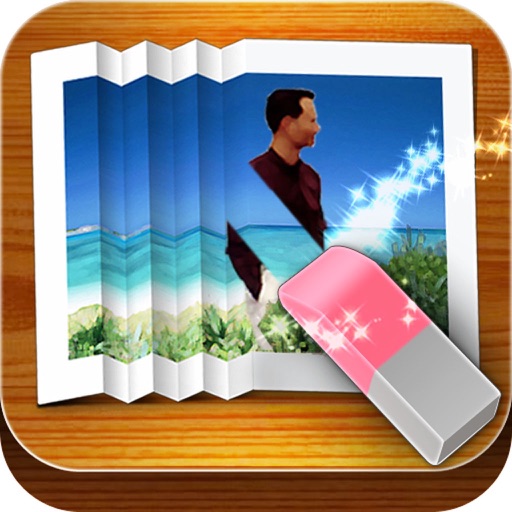
The app removes unwanted objects from photos, including logos, text, and people. It uses an InPaint algorithm to fix photos, making them appear as if the objects were never there.
Remove objects from photos using AI-powered tools. Erase watermarks and unwanted elements with precision. Enhance image quality and clean up pictures effortlessly. Edit photos without complex skills. Export edited images in various formats.
Allows users to declutter photo galleries by swiping left to delete duplicates and blurry images or right to keep them. It also enables contact management by removing duplicates and outdated entries.
Clear cache to free storage and improve performance. Manage installed apps with uninstall and disable options. Monitor battery usage and optimize settings. Clean system logs and temporary files for better device efficiency.
Edit photos with AI-powered background removal and erasure. Refine edges manually for precise results. Enhance image quality and create professional-looking photos without design skills.
Helps remove duplicate photos and videos to reduce clutter. Users can search and delete unwanted screenshots. It compresses large videos to save space. The also organizes files and clears cache for better device performance.
Stylize photos using over 500 AI art styles from various movements. Edit and retouch images with professional tools. Work offline with on-device AI models. Keep data private with no cloud storage. Export edited images in multiple formats.
Edit photos with layers, filters, and brushes. Adjust brightness, contrast, and color. Add text and stickers. Export in multiple formats and share directly.
And organize iPhone by removing duplicate files, blurry photos, and unused calendar events. Delete similar media and boost performance with a single tap. Secure data with Web Guard, WiFi Security, and Secret Folder features.
Edit photos to and acne using a skin copy and paste tool. Select the blemish, copy, and paste over the skin for a seamless effect. Adjust and blend the skin to achieve a flawless result. Export and share the edited photo directly.
Sign documents with a real handwritten . Scan and clean signatures using phone camera. Save and share signatures securely. Integrate with files and contracts.
Remove unwanted objects, people, or background elements from videos using AI. Select and track moving targets with dynamic tracking. Highlight areas with brush and outline tools. Clean fixed areas like logos or timestamps. Trim and merge segments.
Separate vocals, drums, and instruments from audio using AI. Split tracks into individual stems. Remove background noise. Create karaoke, acapella, or instrumental backing tracks. Export and share edited audio files.
Objects from videos using AI-driven object detection and editing tools. Select and erase unwanted elements frame by frame. Adjust background seamlessly and export edited videos in high quality.
Remove backgrounds from images using AI-powered machine learning. Process images entirely on the device without uploading. Perform removal with a single click.
Create short videos using 12 Quick Create modes like Many Me, Clone Trail, Magic Edge, and Tiny Planet. Edit footage with one-click effects. Share finished videos directly from the .
Remove unwanted objects from photos by deleting people, logos, watermarks, or text. Use intelligent fill to replace removed areas with appropriate background textures. Edit images directly in the and save the modified versions.