Capture photos with location-specific filters tailored for Indonesia, Tokyo, Okinawa, and Saipan. Edit images using special color tones designed by a travel photographer. Save and share edited photos directly.
Customize iPhone home screens and lock screens with themes, wallpapers, and widgets. Choose from warm, cartoon, neon, and trendy styles. Add interactive widgets for quick access to data. Apply designs with simple tap gestures.
Convert photos into cartoons with AI-powered filters and editing tools. Apply various styles to images. Share edited cartoons directly with friends. Create anime-style art and funny toons from photos.
With filters, cropping, and adjustment tools. Apply beauty enhancements and double exposure effects. Use color splash and resize images. Access frames and story templates. Change resolution and export in multiple formats.
Convert photos into or vector styles using AI. Apply over 100 background effects. Edit portraits with customizable avatars. Share edited images directly.
Edit photos using AI to generate professional headshots and creative styles. Adjust lighting, background, and pose. Save and share edited images directly. Apply filters and customize details for different purposes like LinkedIn, dating, or avatars.
Edit photos by applying recommended background colors and color combinations. Adjust color schemes with two fingers. Blur backgrounds and select from multiple color options. Access photos from the album and make edits directly.
Edit photos with filters, contrast, brightness, and color adjustments. Add text, stickers, and drawing tools. Customize images and landscapes. Export in high quality. Access a free image library. Apply advanced editing features.
Edit photos with 400+ artistic filters and effects. Apply oil painting, graffiti, sketch, and pop art styles. Adjust colors and textures. Save and share edited images directly.
Edit photos with single-tap effects and professional filters. Adjust brightness and contrast. Apply blur and focus tools. Enhance portraits with specialized filters. Export edited images in various formats.
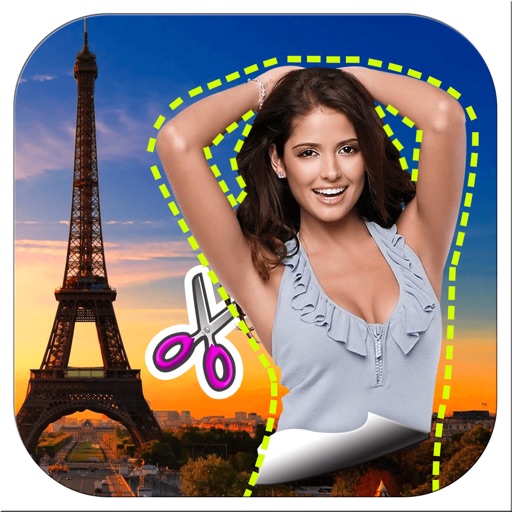
Remove backgrounds from images by drawing a closed curve. Automatically erase similar color areas for transparent results. Adjust brush size for precise edits. Pan, zoom, and rotate images.
Edit photos and videos with transitions, special effects, text animations, and filters. Sync content to trending music. Use pre-made templates. Share directly to TikTok, Instagram, Snapchat, and YouTube.
Transform photos into -style artwork using AI. Select an image from the camera roll. Apply filters via AI processing. Save the result and share it directly.