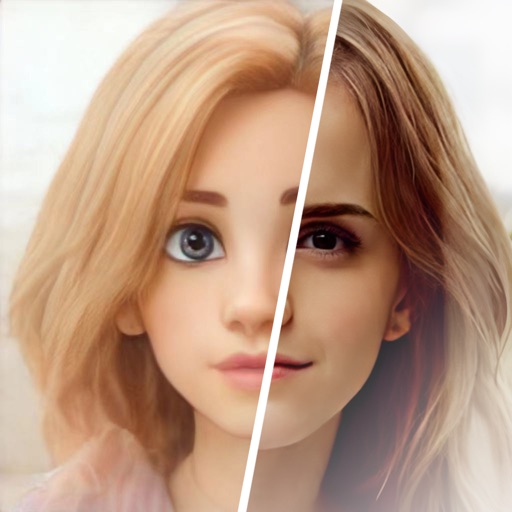
Create split-image comparisons by importing existing photos. Arrange images side by side for visual contrasts. Blend photos to form artistic compositions. Track changes in landmarks, plants, fitness progress, and home renovations over time.
Edit photos with , oil painting, art, dream, sketch, magic, anime, and comic filters. Apply effects to selfies or images. Save and share edited photos directly.
The app allows users to create artistic images with filters and tools. It offers features such as blur, focus, brightness, contrast adjustment, and tone curve editing.
Edit photos with AI enhance, magic remove, and background change. Create collages and apply filters, templates, and stickers. Recolor old photos and generate text-to-image or image-to-image edits. Share edited photos directly to social media.
Edit photos with AI filters, cartoon styles, and restoration tools. Enhance image details and convert blurry or damaged photos to HD. Apply over 200 AI templates to generate creative photos. Upload selfies to try different styles.
Arthur Eduardo Skaetta Alvarez Desenvolvimento de Software LTDA.
Capture moments, create slides, share journey
Track progress by taking pictures and organizing them into a journey. Export images as a slide show video. Set custom reminders to take photos regularly.
Convert photos into styles with AI technology. Upload images from the gallery and apply filters. Customize effects, add backgrounds, and save or share the edited versions.
Create and edit images with AI-generated art, logos, and tattoos. nime or art from text descriptions. Restyle photos using cartoon editors or AI headshot tools. Design logos and characters with specialized tools.
The app allows users to create photo slideshows in 3D or cartoon styles. Users can select photos from their gallery, camera, or social networks and add titles with various fonts before rendering the video.
Convert photos to and with one tap. Apply various monochrome filters for different styles. Adjust brightness, contrast, and grain. Crop and resize images. Save and share edited photos directly.
The app transforms photos into halftone and rasterized artwork using dots, lines, and shapes. It offers creative modes like Grid, Interlaced, Radial, and Photo, with options for bicolor, multicolor, or full color.