Play chords and melodies using a tactile keyboard interface. Hold buttons and swipe or tap to create sounds. Access chords and notes via a grid for precise selection. Adjust pitch, harmonize, and apply real-time audio effects.
by Paolo Giorgi★ 4.3115 ratingsMusic$9.99Data updated 2026-11-06
Calculate tempo and beat per minute with a tap tempo function. Adjust pre delay, gate, and envelopes. Generate test tones and sine waves. View fretboard and keyboard for scale learning. Play arpeggios and chords.
Lets users select chords from an iPhone linked to or via WiFi or Bluetooth. It displays available chords and sends selections to the main . Users can switch between chord types and view fingerings.
Explore musical scales and modes with over 1400 options. View chords and notes for any root note. Find scales via piano keyboard, circle of fifths, or related scales. Compare chords across multiple scales.
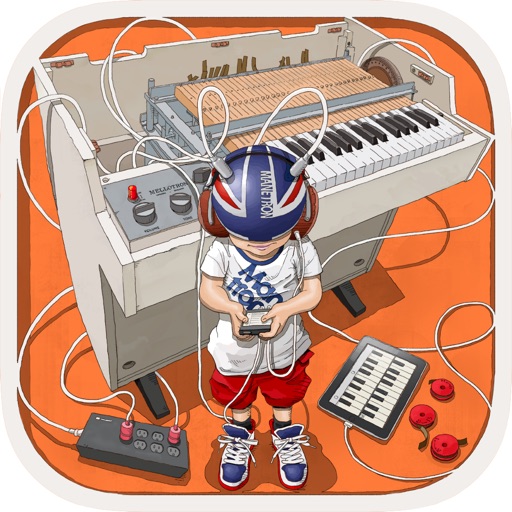
The app provides vintage tape sampling keyboard sounds from a 70s model. Users can experience real motor and mechanical sounds with tape running animation.
The app allows users to select a root note and chord type to play chords on a piano. It offers features like Auto Select, Chord Tone Pads, Octave Shift, and Key Transpose for learning and music theory study.
Create and share projects. Engage in Q&A about instruments, gear, and songwriting. Access real reviews and unbox videos from YouTubers and influencers. Communicate with musicians and creators. Collaborate on and exchange feedback.
Create chord progressions by clicking on the circle of fifths. Practice musical sequences in 4-12 measures across all 12 keys. Choose from various grooves and repeat progressions for practice. Export or share created sequences.