Take notes with handwriting, typing, or PDF annotations. Use customizable covers and templates. Choose from 10+ pens and brushes. Adjust pen thickness and color. Draw shapes and lines. Export notes in multiple formats.
Write and edit documents with RTF and Markdown support. Annotate and organize with customizable margins, headers, and footers. Edit PDFs directly and save in multiple formats. Sync across devices and access content offline.
Read news from websites, blogs, and RSS feeds in a single . Organize content with multiple layouts including newspaper view. Sync with Feedly, , or iCloud. Access the web version at .co with an account. Share articles directly.
The app provides tools for drawing, coloring, and editing pictures. Users can create simple pictures, add text, or modify existing images with various shapes and editing functions.
Edit photos by removing objects, erasing backgrounds, enhancing quality, expanding canvas, or replacing elements. Generate new images with AI filters. Perform basic edits and apply creative AI effects. Save and share edited photos directly.
Take notes with hand-drawn sketches, text, and diagrams. Use Apple Pencil for writing and drawing. Navigate pages with gestures and undo actions. Export notes to PDF. No ads or data collection.
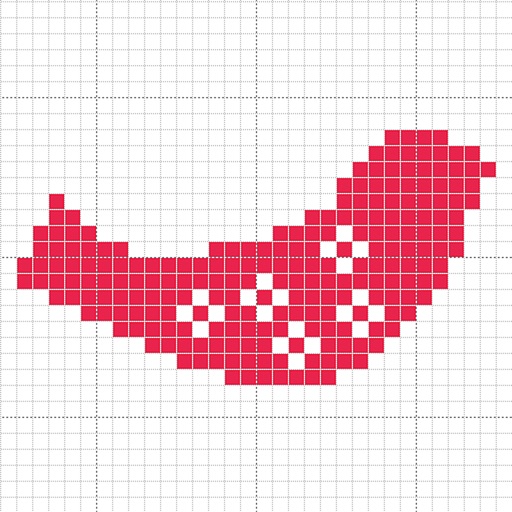
Create custom charts for crafts like cross stitch, bead weaving, knitting, and pixel art. Draw dotted images and design patterns with an intuitive touch interface. Export charts for use in projects.
Create digital artwork with customizable brushes and adjust texture, shape, and paper quality. Import and export images in various formats. Access unlimited brushes and tools for free for 30 hours monthly.
Create logos using AI-generated designs. Choose colors, fonts, and styles. Customize layouts and download in various formats. Share logos directly or export for print.
Create art with customizable colors, brush sizes, and opacity. Import photos from camera or library. Save and share designs via social media, email, or SMS. Clear canvas for new creations.
The app offers live-calculated brushes and strokes that interact with a generated canvas texture. Users can adjust parameters like color and size while painting, and stroke size changes based on fingertip contact with the screen.
Create art with 10 brushes. Adjust brush size and color randomly. Import photos to doodle on. Add drawings to family images for customization. Save and share completed artwork.