Screen content and import it into the . Select from 360-degree phone shell templates and various angles. Use one-click intelligent synthesis to enhance visual effects. Upload videos to multiple platforms for sharing and promotion.
by 嘉伟 戈★ 4.6142 ratingsUtilitiesFreeData updated 2026-09-20
Create product mockups with realistic 3D rendering. Choose from multiple templates and customize colors, textures, and backgrounds. Export high-quality images for presentations or marketing materials. Share mockups directly via email or social media.
Extract high-quality frames from videos and select the ones. Edit key frames, create animated GIFs, and export custom loops. Share clips directly to social media platforms like TikTok and Instagram.
Create animated videos from scripts or ideas with character consistency. Generate shorts or long-form videos up to 30 minutes using templates. Upload photos to define character profiles. Align voice and lip-sync with character movements.
Upload videos and use AI to identify key moments. Auto-clip and add captions for social platforms. Customize clips with templates, fonts, and colors. Publish to major platforms or save to camera roll.
Helps organize photo galleries by removing similar images, continuous photos, and screenshots. Users can delete duplicates, arrange media in order, and perform one-click smart cleaning for cluttered albums.
Create thumbnails for videos and Twitch stream covers. Reuse templates, remove backgrounds, and add stickers. Choose from 300+ fonts and styles. Use layers for editing. Access Unsplash images. Edit with iPad pencil.
Create with realistic effects using a professional engine. Customize text appearance and animate it. Export as images or videos. Share directly to WeChat. Save creations to the device album.
Create using a drawing interface with customizable brushes and pencils. Import and animate vector graphics. Export frames as images or video. Add sound effects and background music. Share directly to social media or email.
Create social media content by selecting from hundreds of . Import images or videos to customize designs. Add text, graphics, and effects to enhance visuals. Export and share content directly to social platforms.
Record screen videos on iPhone or iPad running iOS 11. Start recordings by tapping the red record button. Share videos directly to Camtasia for editing. Supports screen recording with extensions.
Create and share short videos as animated GIFs or MP4. Capture frames with the or import photos, videos, or Live Photos. Apply real-time color filters, add text or frames, and choose stop motion or video mode.
Clean your phone by removing duplicate photos and screenshots, deleting large video files, and merging duplicate contacts. Test network speed and view device information. Add a widget to check download speed, RAM, and storage space.
Blur faces or sensitive information with a single tap. Apply masks, adjust blur intensity, and resize or rotate blurs. Preview, save, and share edited photos. Protect privacy by blurring documents, license plates, or unwanted elements.
Edit videos with trimming, cutting, and splitting tools. Add transitions, effects, and text overlays. Import and export in various formats. Collaborate in real-time with multiple users. Adjust audio levels and apply filters.
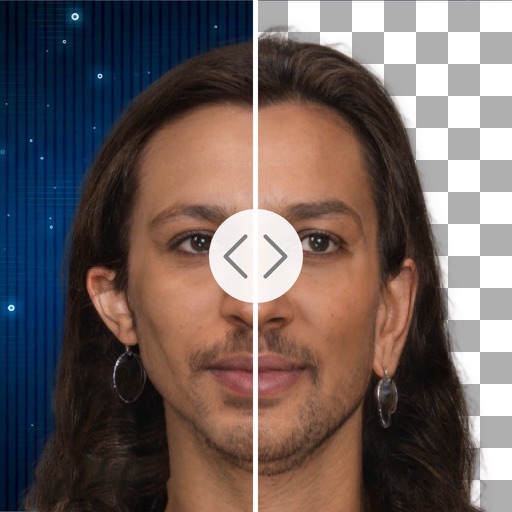
Remove backgrounds with a single tap. Replace with 800+ virtual templates. Export as transparent MP4 with alpha channel. Adjust resolution to 16:9 or 9:16. Position and scale the top layer transparent .