Edit photos with filters, contrast, brightness, and color adjustments. Add text, stickers, and drawing tools. Customize images and landscapes. Export in high quality. Access a free image library. Apply advanced editing features.
Capture photos in and with real-time contrast and exposure adjustments. Preview high-key or low-key effects in the viewfinder. Use Zen mode to focus on composition without technical distractions.
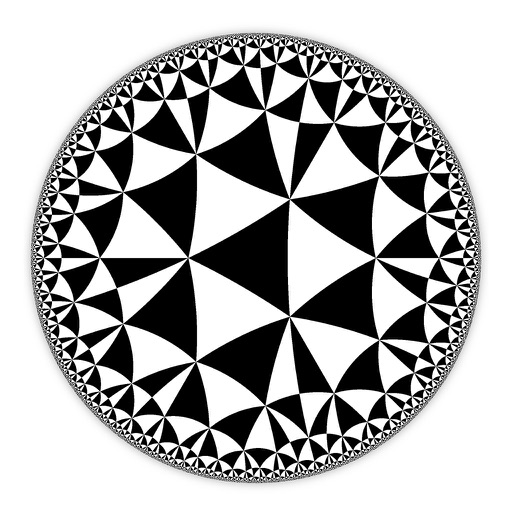
Create and customize hyperbolic patterns using Poincare Disk geometry. Adjust motifs to repeat infinitely within the circular space. Explore non-Euclidean designs with scalable, recursive visuals. Export patterns in various image formats.
Compress photos to reduce file size before sharing. Adjust resolution and dimensions. Maintain minimal image quality loss. Export compressed photos for email or social media.
Helps users limit phone usage during specific times. Sets daily goals. Blocks distracting apps during focused hours. Tracks progress with weekly reports. Offers customizable schedules for work, family, and rest.
Draw and sketch with pen, eraser, or lasso tools. Adjust pen thickness and color. Change canvas background color. Zoom and pan the canvas. Save and share drawings in one step.
Create outdoor designs by snapping photos and using AI to generate options. Explore modern patios, green grass, natural paths, lush gardens, stylish decks, and poolside decor. Adjust and customize designs to fit specific spaces.
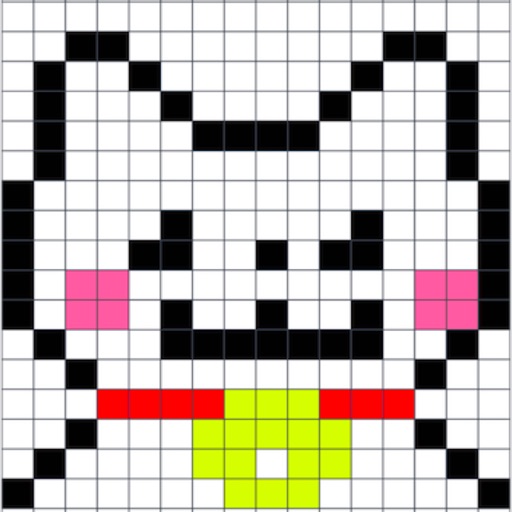
The app offers pixel art creation with basic drawing functions and layer support. It allows for animation with onionskin tracing and file sharing in multiple formats.
Use iPhone as a connected via USB to mirror Mac screen. Draw with Wacom stylus and 3D Touch. Control canvas with touch gestures for zoom, scroll, undo, and redo. Connect securely for real-time screen mirroring.