Create digital artwork using drawing tools, brushes, and layers. Adjust colors, opacity, and stroke settings. Save and export drawings in various formats. Access built-in help files for guidance.
by Pirate's Moon, Inc.★ 0.00 ratingsEntertainment$1.99Data updated 2026-10-01
Create and animate doodles by drawing freely on a canvas. Playback the drawing process as a cartoon. Generate Mandala flowers and kaleidoscope patterns. Share finished artwork directly.
Edit photos with age filters to visualize appearances. Adjust facial features and skin texture for realistic previews. Save and share edited images directly.
Create and share drawings based on random themes. Compete in real-time battles against other players. Receive AI-generated scores and climb global rankings. Improve skills through themed challenges and practice sessions.
Create animations using frame-by-frame drawing on photos. Add doodles and export as GIF or video. Share finished animations with friends. No advanced drawing skills required.
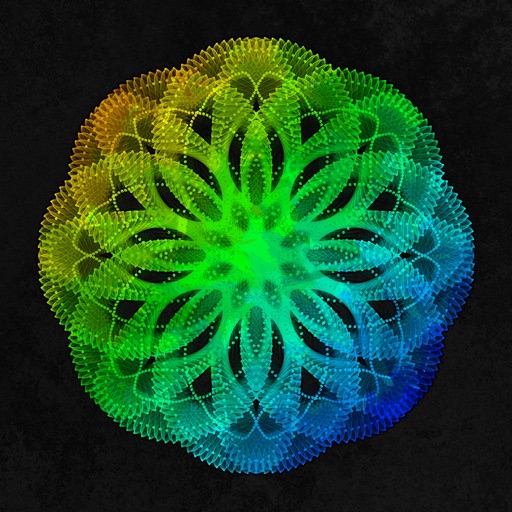
The app draws geometrical patterns similar to the SpiroGraph toy. It allows users to design complex artwork and draw mathematical curves like cycloids and trochoids.
The app offers ad-free video streaming through a built-in browser. It allows background playback, screen locking, and offline downloads of videos and audio.
Create and refine digital art using AI-powered tools. Draw sketches or provide text prompts for AI interpretation. Make edits to existing images with precise control. Adjust colors, shapes, and details for accurate visual results.
Create from photos or hand-drawn doodles. Edit with cropping, rotation, and color adjustments. Save and send via iMessage. Use Apple Pencil for detailed drawing on iPad.
Create by painting individual pixels. Adjust canvas size, select colors, and customize border settings. Erase, undo, and resize drawings. Save artwork to gallery and storage. Share completed pieces others.
Create colorful designs using art effects with 48 unique brushes and 48 shapes across six categories. Use symmetry and inverse drawing modes for creative effects. Apply dynamic textures and -off particles for realistic results.
Annotate photos with text, drawings, and hand-drawn elements. Add watermarks and autographs. Create and share Photocards. Incorporate internet memes. Edit and enhance images for personal or professional use.
Turn photos into paintings using preloaded styles and custom brushes. Adjust brush strokes with paint masks and save images with transparent backgrounds. Generate unique styles in Workshop mode and share or print finished artwork.
Create with real-time stroke replication, including pen angle, thickness, and color. Access guided pages with font-specific instructions. Practice letterforms on virtual paper and export drawings.
Create frame-by-frame animations from scratch or based on videos, images, or Photoshop layers. Export in multiple formats. Draw and animate directly on iPad or iPhone.