Create digital artwork using drawing tools, brushes, and layers. Adjust colors, opacity, and stroke settings. Save and export drawings in various formats. Access built-in help files for guidance.
by Pirate's Moon, Inc.★ 0.00 ratingsEntertainment$1.99Data updated 2026-10-01
Create 2D animations and videos frame by frame. Use multi-track timelines and keyframes for motion. Record motion or effects easily. Access 300 textured brushes for drawing. Export animations in various formats.
Downloads WeTransfer and ZIP files, saving photos, videos, and documents. Photos and videos are saved to the Camera Roll. Documents like PDF, DOC, XLS, and PPT can be viewed directly. Paste WeTransfer or HTTP(S) links to start downloads.
Store and organize photos and documents securely without a subscription. Access data via iCloud. Encrypt and hide sensitive files like IDs and bank cards. View and manage private memories with password protection.
Create custom grids over reference images or drawing surfaces. Set grid dimensions and adjust spacing. Transfer intricate details square by square. Export drawings in multiple formats. Share directly from the .
Create pixel art with automatic double pixel removal for precise line art. Use round, square, and matrix dither brushes. Draw lines locked to isometric angles. Create rectangles and ellipses. Manage layers for animated projects.
Create detailed technical illustrations and artistic designs with vector editing tools. Draw, reshape, and color elements with precision. Import and export files in multiple formats. Use layers, masks, and effects for advanced design work.
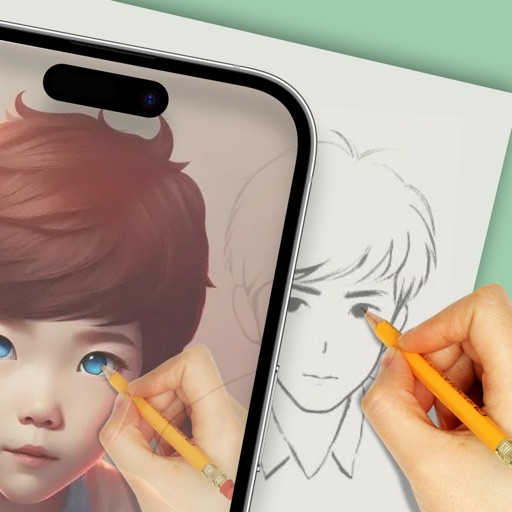
Use augmented reality to draw on any surface. Create sketches with AI-assisted tools. Select and customize NFT images from your phone gallery. Export drawings in various formats. Share artwork directly from the .
Create digital art with customizable brushes and layers. Adjust brush settings for pressure and flow. Use Apple Pencil for precise strokes. Save and export artwork in various formats. Import images for tracing or blending.
The app allows users to create glowing artwork with drawing tools and add animations. Users can save creations to their photo album or email them to friends.
By allows users to select pre-made images and fill them using numbered codes. Users can zoom in on the drawing, choose colors, and match them to the image. Autosave functionality is available, and new pixel art and by puzzles are added daily.
Create and edit drawings using a variety of brushes and colors. Import images for reference. Save and share artwork. Access tutorials and tools for beginners and artists.
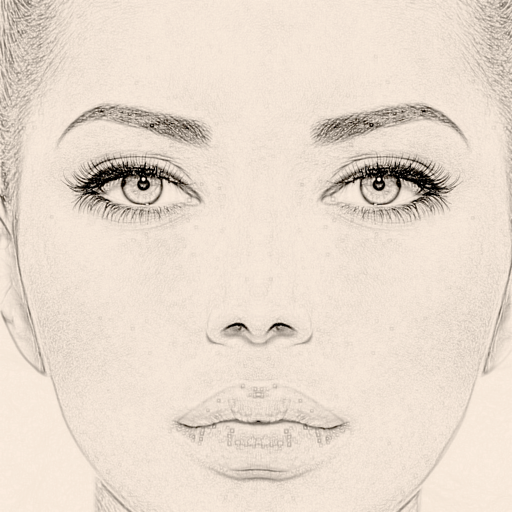
Turn photos into drawings, cartoons, or sketches with one click. Apply various effects including black strokes, white strokes, pastel, and halftone. Adjust edge strength, opacity, contrast, brightness, and saturation.
Create and edit drawings with over 20 colors and adjustable brush sizes. Save drawings and their creation process in a built-in gallery. Replay or resume drawings at any time. Draw on iPhone, iPad, or iPod Touch.