APPAS SOLUTIONS, SOCIETATEA CU RASPUNDERE LIMITATA
Check appearance with -like clarity
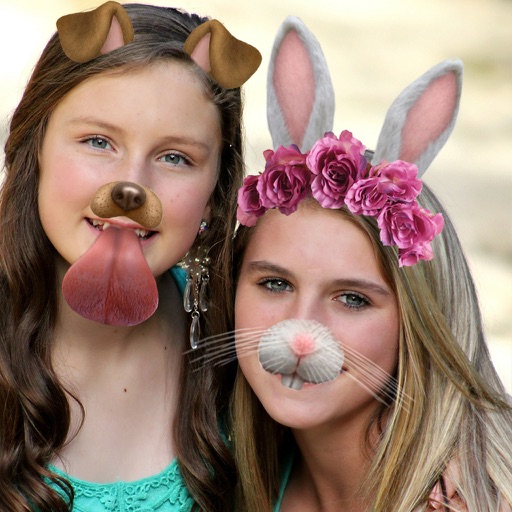
View your face in a -like interface with adjustable zoom. Apply face filters and edit photos without saving. Save edited images to the iPhone gallery. Use enhanced filters to improve photo quality.
Edit photos with filters, , and cropping tools. Add text, stickers, and borders. Adjust brightness, contrast, and saturation. Export in various formats and share directly.
The app transforms photos into halftone and rasterized artwork using dots, lines, and shapes. It offers creative modes like Grid, Interlaced, Radial, and Photo, with options for bicolor, multicolor, or full color.
Edit photos with stickers, filters, and effects. Add text and manga-style elements. Create collages and share directly. Adjust brightness and contrast. Save and export in various formats.
Edit photos with a wide range of effects, from basic adjustments to advanced graphic transformations. Repaint images using various brushes and import Photoshop brushes. Share edited photos on Instagram with the # tag.
Identify and duplicate photos using smart grouping. Recognize favorites, edits, faces, and eye states. Confirm photos to keep; remaining images are moved to the Bin for final review before deletion.
Edit photos by selecting images from the library and using an adjustable brush tool to mark areas for removal. The employs inpainting algorithms to seamlessly eliminate unwanted elements and blend the background.